


Your WordPress website is only as strong as the security measures you put in place. If you want to keep hackers, malware, and spam away, choosing the right security plugin is crucial.
But with so many options out there, how do you pick the best one for your site? You’ll discover the top WordPress security plugins that can protect your website effectively—without slowing it down or breaking your budget. Keep reading to find the perfect security solution tailored just for your needs and gain peace of mind knowing your site is safe.
Credit: artoonsolutions.com
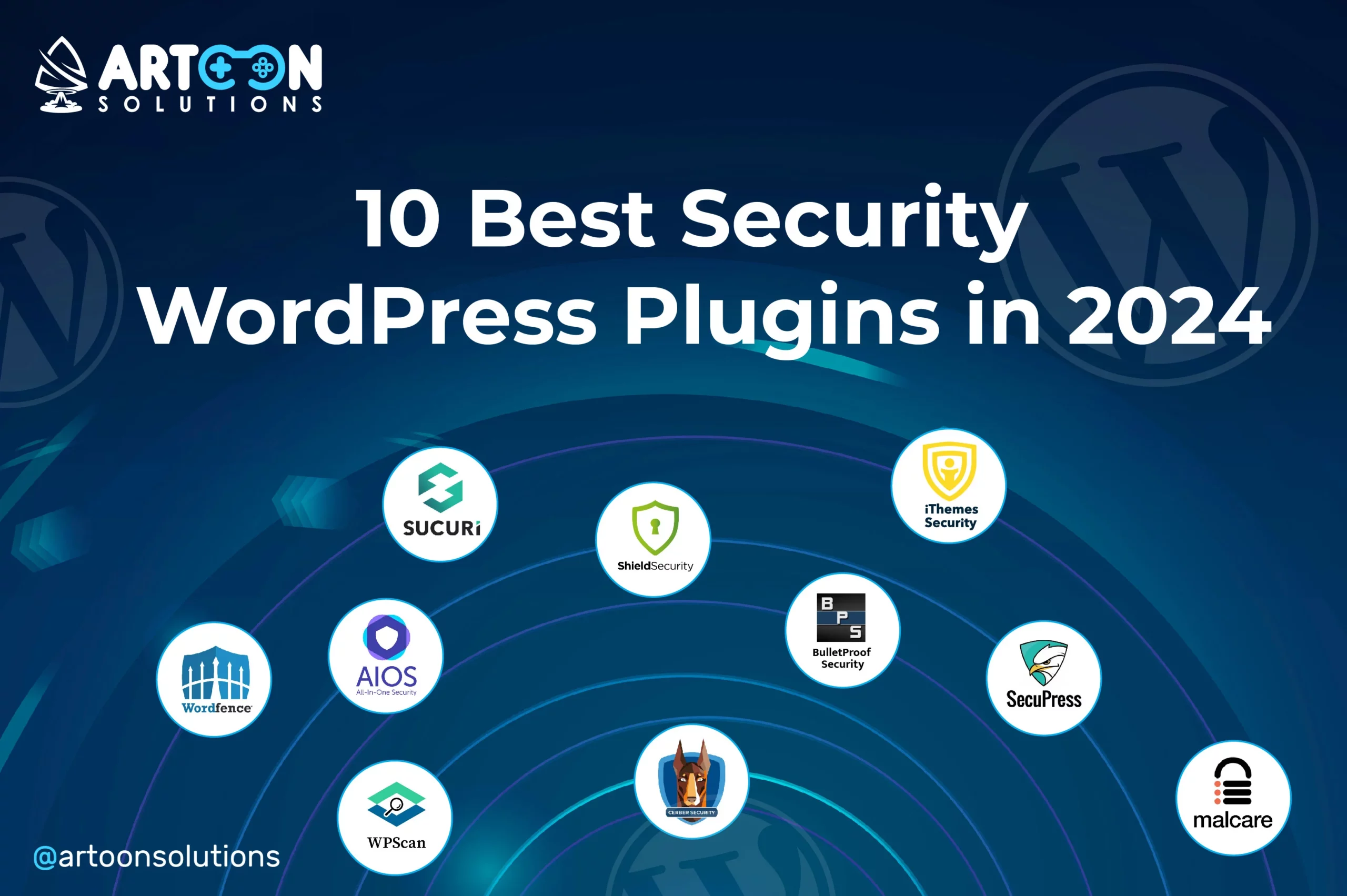
Choosing the right security plugin strengthens your WordPress site against threats. These tools protect your site from hackers, malware, and other vulnerabilities. The top plugins combine ease of use with powerful security features. Below are some of the best options that suit different needs and budgets.
Wordfence includes a firewall that blocks malicious traffic. It scans for malware and alerts you to threats. The plugin supports two-factor authentication for extra login security. Its real-time threat defense updates automatically. The free version covers most basic needs well.
Sucuri offers cloud-based malware scanning and removal. It monitors your site for security breaches and hacks. The plugin includes a firewall to stop attacks before they reach your site. Sucuri helps harden your website with multiple security options. It provides post-hack cleanup and support.
MalCare scans your site on its own servers to reduce load. It finds hidden malware quickly and removes it automatically. The plugin also includes a firewall and login protection. MalCare runs deep scans without slowing your site down. It suits users who want hassle-free malware defense.
Solid Security offers many tools to protect your site from hacks. It includes login protection, file change detection, and two-factor authentication. The plugin provides detailed security reports and alerts. It helps prevent brute force attacks and weak passwords. Solid Security works well for users wanting detailed control.
This plugin combines firewall, login, and database security in one. It uses a grading system to show how secure your site is. The firewall blocks bad traffic and suspicious IPs. It also offers user account monitoring and file integrity checks. The free version offers strong protection for beginners.

Credit: www.shoutmeloud.com
Exploring additional security plugin options can strengthen your WordPress site’s defenses. These tools offer unique features to protect your content and data. Using them alongside main plugins creates a layered security approach.
Below are some well-regarded plugins worth considering for enhanced protection and peace of mind.
Jetpack comes from the makers of WordPress. It includes features like brute force attack protection. It scans for malware and blocks suspicious logins. You also get downtime monitoring and secure authentication options. Its all-in-one design suits many site owners.
Cerber Security defends against spam and hacking attempts. It limits login tries to stop brute force attacks. The plugin scans files for malware and suspicious changes. It can also block IP addresses and countries. Cerber helps keep your site safe with strong tools.
Security Ninja tests your WordPress site for weaknesses. It runs over 50 security checks quickly. The plugin reports vulnerabilities and suggests fixes. You can schedule scans to keep your site secure. Security Ninja helps you find and fix issues fast.
BulletProof Security offers firewall protection and malware scanning. It includes database backup and intrusion detection features. The plugin has a setup wizard for easy configuration. It helps protect your website from common threats. BulletProof Security works well for users needing advanced options.
Choosing the right security plugin for your WordPress site means understanding the key features that keep your site safe. The best plugins offer tools that protect against hackers, malware, and other threats. Focus on features that actively scan, block, and alert you about security issues. These features help maintain your site’s integrity and user trust.
Malware scanning finds harmful code hidden in your website files. A good plugin scans regularly to catch threats early. Some plugins also remove malware automatically. This reduces the risk of damage or data loss. Real-time scanning ensures your site stays clean 24/7.
A firewall blocks malicious traffic before it reaches your site. It filters out hackers, spam, and harmful bots. A strong firewall stops attacks like SQL injections and cross-site scripting. Cloud-based firewalls add extra layers of defense without slowing your site.
Two-factor authentication (2FA) requires a second step to log in. This could be a code sent to your phone or an app. 2FA stops unauthorized users even if they guess your password. It adds a simple but powerful layer of security for admins and users.
Site monitoring tracks changes in files, plugins, and themes. It alerts you to suspicious activity or unauthorized access. Auditing logs record who did what on your site. These tools help detect breaches quickly and find weak spots. Regular monitoring helps keep your site secure over time.
WordPress is a widely used platform but faces many security challenges. Understanding these challenges helps protect your site effectively. Many website owners overlook common risks that hackers exploit. This section highlights key security issues every WordPress user should know.
Outdated plugins and themes often have vulnerabilities. Developers release updates to fix security holes. Ignoring these updates leaves your site open to attacks. Hackers scan for sites running old versions. They exploit known weaknesses to gain access. Regular updates are crucial for safety.
Improper hosting settings create security gaps. Weak server configurations can expose sensitive data. Some hosts lack strong firewalls or malware protection. Poorly set file permissions increase risk. Always choose hosting with strong security measures. Configure your server carefully to avoid breaches.
WordPress powers millions of sites worldwide. Its popularity makes it a favorite hacker target. Automated attacks try to exploit common weaknesses. Brute force login attempts are frequent. Hackers seek to install malware or steal data. Protecting your site reduces the chance of being hacked.
Choosing the right security plugin for your WordPress site is key to protecting your content and visitors. Each plugin offers different tools and features. Your choice depends on your site’s needs, budget, and technical skill level. Careful selection helps avoid unnecessary costs and performance issues.
Focus on what fits your site best. Consider how the plugin balances features, its impact on site speed, and the support available. These factors shape your website’s safety and user experience.
Many security plugins offer free and paid versions. Free versions cover basic security like malware scanning and firewalls. Premium versions add advanced tools such as real-time threat detection and priority support. Choose a plugin that meets your current needs. Upgrading later is always possible as your site grows.
Security plugins run in the background, affecting your site’s speed. Some plugins use heavy resources, which can slow down your pages. Look for plugins optimized for fast performance. Read user reviews to see how the plugin affects loading times. A secure but slow website can hurt visitor experience and SEO.
Choose a plugin with a user-friendly interface. Clear setup guides and easy navigation save time. Good customer support is essential, especially if you are not tech-savvy. Check if the plugin offers forums, tutorials, or direct support. Reliable support helps solve problems quickly and keeps your site secure.
Credit: www.elegantthemes.com
Top WordPress security plugins include Wordfence, Sucuri, MalCare, Solid Security, and All-In-One WP Security. They offer malware scanning, firewalls, and site hardening. Many provide strong free versions plus premium options for enhanced protection. Choose based on your site’s specific security needs and budget.
People move away from WordPress due to security concerns, frequent updates, plugin conflicts, and the desire for simpler, faster platforms.
All-In-One WP Security & Firewall is a comprehensive WordPress plugin offering firewall, malware scanning, and security monitoring. It protects sites with easy-to-use, powerful features in both free and premium versions.
WordPress offers strong security with regular updates and many reliable plugins like Wordfence and Sucuri. Proper setup enhances protection.
Choosing the right security plugin protects your WordPress site effectively. Each plugin offers unique tools to stop hackers and malware. Free options provide solid protection for beginners. Paid plans add extra features for advanced security needs. Regular updates and scans keep your site safe and fast.
Stay proactive and monitor your site often. A secure website builds trust and keeps visitors coming back. Protect your content with smart choices today.







Leave A Reply Now