


Ready to turn your great idea into a thriving online store? Building your first e-commerce store might seem overwhelming, but it doesn’t have to be.
Imagine having a clear, simple roadmap that guides you through each step, helping you avoid common mistakes and start selling quickly. You’ll discover exactly how to set up your store, choose the right products, and attract your first customers. Keep reading, and you’ll gain the confidence and tools to launch your e-commerce business with ease.
Your journey to online success starts here!

Credit: www.amazon.com
Choosing your niche is the first important step in building your e-commerce store. The right niche defines your audience and products. It helps focus your marketing and sets you apart from others. A clear niche makes your store easier to manage and grow. Spend time finding a niche that fits your interests and has good potential. This section guides you through how to pick a strong niche for your store.
Market gaps are areas where customer needs are not fully met. Find products or services that people want but cannot easily find. Research forums, social media, and review sites for complaints or wishes. Look for problems without many solutions. This opens chances to offer unique products. Filling a market gap can lead to loyal customers and less competition.
Check if people want the products you plan to sell. Use tools like Google Trends and keyword research to see search volume. High search volume shows strong interest. Look at online marketplaces to see if similar products sell well. Choose products with steady or growing demand. Avoid items with low or seasonal demand that may slow sales.
Study your competitors to understand the market. Look at their products, prices, and customer feedback. Identify what they do well and where they lack. This helps you find ways to improve your store. Avoid niches dominated by big brands that are hard to compete with. Focus on niches where you can offer better service or unique products.

Credit: www.flowfye.com
Validating your product is a critical step in building your first e-commerce store. It helps confirm if customers want what you plan to sell. Without validation, you risk investing time and money in products that may not sell. This step saves you from costly mistakes and guides your business decisions.
Start by creating a simple landing page or social media post to showcase your product. Use clear images and short descriptions. Track how many people visit your page or click on your ads. You can also run small paid campaigns to reach potential customers. This helps measure real interest before you stock inventory.
Ask early visitors or followers what they think about your product. Use surveys, polls, or direct messages to collect opinions. Find out what customers like or dislike. Learn about their needs and preferences. This feedback reveals if your product solves a problem or appeals to your audience.
Use the data and feedback to improve your product. Change features, colors, sizes, or prices based on what customers want. You might discover new ideas or better versions of your product. Keep testing and refining until you find the best fit. This makes your store more attractive and increases sales chances.
Selecting the right platform is the foundation of building your first e-commerce store. This choice affects how easy it is to set up, manage, and grow your online business. The platform you pick should match your skills, business needs, and budget. Understanding the key differences helps you make the best decision.
Popular platforms include Shopify, WooCommerce, BigCommerce, and Wix. Shopify offers an all-in-one solution with hosting and support. WooCommerce is a free plugin for WordPress, giving more control but needing technical skills. BigCommerce provides strong built-in features for growing stores. Wix is simple and good for small shops with basic needs.
Choose a platform that feels comfortable to use. Drag-and-drop builders help create pages without coding. Look for features like payment options, shipping tools, and mobile-friendly design. Check if the platform supports plugins or apps to add extra functions. Good customer support is important for quick help.
Platforms have different pricing models. Shopify charges a monthly fee with extra costs for apps and payment processing. WooCommerce itself is free, but you pay for hosting and security. BigCommerce has tiered pricing based on sales volume. Wix offers affordable plans but limits some features. Factor in setup, monthly fees, and transaction costs.
Registering your business is a key step in building your first e-commerce store. It makes your store official and legal. This process helps protect you and your brand. It also allows you to operate smoothly and gain customer trust.
Pick a business structure that fits your needs. Common types include sole proprietorship, partnership, and LLC. Each type has different tax and legal rules. An LLC offers protection for your personal assets. A sole proprietorship is easier to set up but has less protection. Consider your budget and future growth when deciding.
Some businesses need licenses or permits to operate legally. These vary by location and industry. Check local and state requirements before starting. Common permits include sales tax licenses and home occupation permits. Applying early avoids delays in launching your store. Keep all documents organized for easy access.
Follow all laws that apply to your e-commerce business. This includes tax laws, consumer protection, and data privacy rules. Register for an Employer Identification Number (EIN) if needed. Understand sales tax collection for online sales. Ensure your website complies with privacy policies and terms of service. Staying legal helps avoid fines and builds trust.
Designing your storefront sets the tone for your entire e-commerce business. It creates the first impression for visitors and shapes their shopping experience. A well-designed store attracts customers, builds trust, and encourages sales. This section explains key steps to design a storefront that stands out and works well.
Select a domain name that is short, simple, and easy to remember. Use words related to your products or brand. Avoid numbers and special characters to reduce confusion. A clear domain helps customers find your store quickly. Check for domain availability using online tools before finalizing. Pick a domain ending like .com or .store for a professional look.
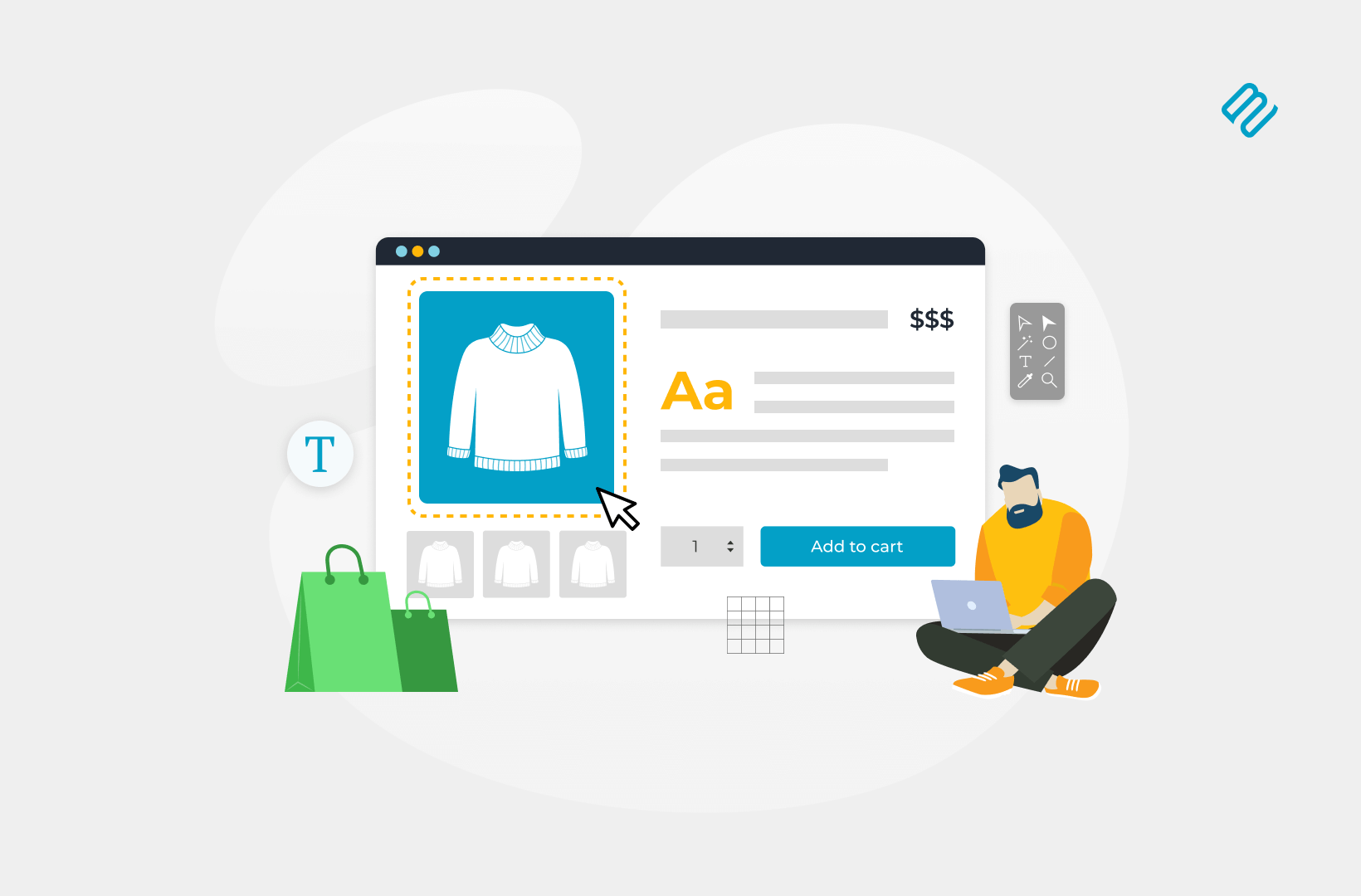
Use clean layouts that highlight your products. Choose colors that match your brand and create a pleasant mood. Use high-quality images for product photos. Add clear, readable fonts for all text. Organize menus and categories so visitors find items fast. Include calls to action like “Buy Now” buttons. Make navigation simple and intuitive to keep users engaged.
Many shoppers use phones to browse stores. Design your site to work well on all screen sizes. Use responsive themes that adjust layout automatically. Ensure buttons and links are easy to tap on small screens. Test your site on various devices to catch issues. Fast loading speeds improve mobile user experience. A mobile-friendly store reaches more customers and boosts sales.
Credit: barn2.com
Setting up payment and shipping is a key part of launching an online store. These steps ensure customers can pay easily and receive their orders smoothly. Clear payment and shipping options build trust and improve the shopping experience.
Choose payment gateways that suit your store and customers. Popular options include PayPal, Stripe, and Square. These gateways securely process credit card and digital wallet payments. Connect your store to the chosen gateways using plugins or built-in tools. Test each payment method to confirm it works correctly before going live.
Create clear shipping policies covering costs, delivery times, and return rules. Decide if you offer free shipping or flat rates. Include information on international shipping if available. Make policies easy to find on your website. Transparent shipping rules reduce customer questions and increase satisfaction.
Track your products to avoid overselling or stockouts. Use inventory management tools or built-in store features. Update stock levels regularly after sales. Organize products by categories for easy control. Good inventory management keeps your store running smoothly and customers happy.
Launching marketing campaigns is a crucial step for your new e-commerce store. It helps you reach potential customers and build brand awareness. Effective campaigns increase traffic and drive sales. Focus on different marketing channels to find what works best for your audience.
Social media platforms connect you directly with customers. Create business profiles on popular sites like Facebook, Instagram, and Twitter. Share engaging content regularly to attract followers. Use images, videos, and stories to showcase your products. Respond to comments and messages to build trust. Consistency is key to growing your audience over time.
Paid ads bring targeted visitors to your store quickly. Start with small budgets on platforms like Google Ads or Facebook Ads. Choose clear goals such as clicks or conversions. Use precise targeting options to reach your ideal customers. Test different ad copies and images to see what performs best. Monitor results and adjust your campaigns to improve efficiency.
Email marketing keeps customers informed and encourages repeat sales. Collect email addresses through sign-up forms on your website. Send welcome emails to introduce your brand. Share special offers, new products, and updates regularly. Personalize emails based on customer behavior to increase engagement. Track open and click rates to refine your strategy.
Tracking performance is key after launching your e-commerce store. It helps you understand what works and what does not. By measuring your store’s activity, you can make smart decisions. This section explains how to track your store’s progress effectively.
Analytics tools collect data about your website visitors. They show where visitors come from and what they do. Google Analytics is a popular choice for e-commerce stores. It helps track user behavior and sales conversions. Set up these tools early to gather useful insights.
Check your sales numbers regularly. Watch how many people visit your store each day. Notice which products sell best and which pages get the most views. This data shows your store’s strengths and weak spots. Use it to keep your store active and profitable.
Use the data you collect to improve your store. Change your marketing based on what customers like. Update product lists and offers to boost sales. Test new ideas to see what grows your traffic. Small changes can lead to steady growth over time.
Growing your e-commerce store takes more than just adding products. It requires smart planning and steady effort. Scaling means increasing your store’s reach and sales without losing quality. Focus on key areas that help your business grow smoothly. This includes expanding your product range, improving customer service, and entering new marketplaces. These steps make your store stronger and attract more buyers.
Add new products that fit your brand and customer needs. Test small batches before fully launching. Use customer feedback to guide your choices. Offer related items to increase average order value. Keep your product descriptions clear and SEO-friendly. Regularly update your inventory to avoid old stock. This keeps customers interested and coming back for more.
Good customer support builds trust and loyalty. Respond quickly to questions and issues. Use live chat, email, or phone support for convenience. Train your team to handle problems calmly and clearly. Provide easy-to-find FAQs and help guides. Collect feedback to improve your service. Happy customers often leave positive reviews and return to buy again.
Reach more buyers by selling on multiple platforms. Choose marketplaces that suit your products and audience. Set up consistent branding across all channels. Manage inventory carefully to avoid overselling. Use marketplace tools to track sales and performance. Entering new markets can boost your visibility and sales. Start small and grow as you learn each platform’s rules.
Choose a niche and research your target market. Register a domain and create an online store using platforms like Shopify. Source or create products. Set up payment and shipping options. Promote your store via social media and SEO to attract customers.
The 3 C’s of e-commerce are Customer, Content, and Commerce. They focus on user experience, quality information, and seamless transactions.
Choose a niche and products. Register a domain and select an e-commerce platform. Design your store, set up payment and shipping. Launch and promote your site. Monitor and optimize regularly for growth.
You don’t need an LLC to start an online store. An LLC offers legal protection and tax benefits but isn’t mandatory. Many begin as sole proprietors and later form an LLC for added protection and credibility.
Building your first e-commerce store is simpler than it seems. Follow each step carefully and stay patient. Choose the right products and design your store clearly. Use easy-to-understand language for your customers. Keep improving your site based on feedback. Remember, success takes time and effort.
Start small, learn daily, and grow steadily. Your online store can become a reliable business. Keep your focus, and don’t give up. Every step brings you closer to your goal.







Leave A Reply Now