



Are you struggling to understand how your customers truly experience your custom services? Imagine if you could see every step they take, every decision they make, and every challenge they face along the way.
User journey mapping lets you do exactly that. It’s a powerful tool that reveals what your users feel and think as they interact with your service. By visualizing this journey, you can pinpoint where things go wrong and find smart ways to make your service smoother and more satisfying.
Keep reading to discover how user journey mapping can transform your custom services and help you create experiences your customers will love.
User journey mapping brings many advantages for custom services. It offers clear insights into how clients interact with your service. This knowledge helps improve every stage of the client’s path. Mapping supports better decisions and creates smoother experiences. Below are key benefits that user journey mapping provides.
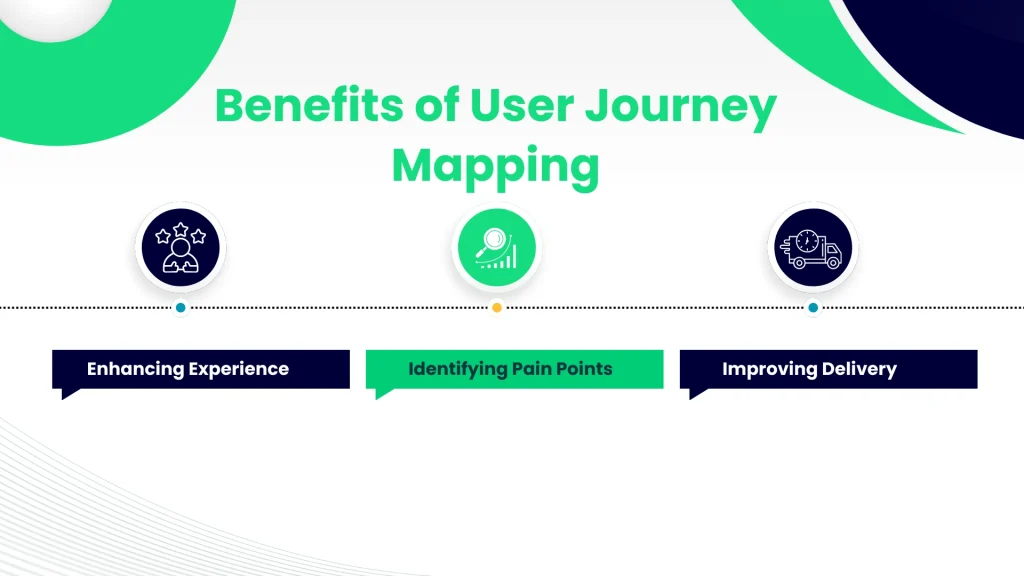
User journey mapping helps understand clients’ needs and feelings. It shows what clients expect at each step. This allows you to tailor services more closely to their desires. Clear journeys make clients feel valued and understood. A better experience builds trust and loyalty. Happy clients often become repeat customers.
Mapping reveals where clients face problems or delays. These pain points may cause frustration or lost business. Spotting these issues early helps fix them quickly. It also prevents future clients from facing the same troubles. Reducing pain points leads to a smoother service path. Fewer obstacles make clients more satisfied and confident.
User journey mapping highlights gaps in your service process. It shows where workflows can be faster or clearer. This insight guides improvements in how services are offered. Streamlined delivery saves time and reduces errors. Efficient services increase client satisfaction and reduce costs. Improving delivery helps your service stand out.
User journey maps reveal how customers interact with custom services step-by-step. They show the full experience from start to finish. Understanding key elements helps create clear, useful maps.
Each element highlights important parts of the journey. This gives teams insights to improve services and meet user needs better. Focus lies on actions, emotions, and goals of users.
User actions are the steps taken during the service experience. These include browsing, contacting, or purchasing. Touchpoints are moments when users interact with the service or brand. Examples include websites, phone calls, or in-person visits.
Tracking actions and touchpoints helps identify where users spend time. It also reveals opportunities to make the experience smoother and more effective.
Users feel many emotions during their journey. These feelings might be excitement, frustration, or confusion. Noting emotions helps understand user satisfaction or pain points.
Challenges are problems users face while using the service. These might be slow responses, unclear information, or technical issues. Recognizing challenges points out what needs fixing for a better experience.
Users start with goals they want to reach. These goals guide their actions throughout the journey. Expectations are what users believe will happen or what they want from the service.
Mapping goals and expectations helps align the service with user needs. It ensures services deliver what users hope for and value most.
Creating a user journey map helps understand how users interact with custom services. It shows each step users take, their feelings, and challenges. This map guides improvements to enhance user satisfaction and service quality.
Follow these clear steps to build an effective user journey map for your custom services.
Start by collecting data from real users. Use surveys, interviews, and feedback forms to understand their needs. Observe how users behave and what problems they face. This data forms the foundation of your journey map.
Identify every point where users interact with your service. These touchpoints include website visits, phone calls, emails, and face-to-face meetings. List them in the order users experience them to see the full journey clearly.
Create a visual map that shows each step and touchpoint. Use simple charts or diagrams to display user actions, feelings, and obstacles. This visual helps teams understand the user experience and find areas to improve.
User journey maps must fit the unique nature of each custom service. These maps guide businesses through a client’s experience. They show every step users take and highlight pain points and moments of delight. Custom services often vary widely, so one-size-fits-all maps do not work well. Tailoring these maps improves understanding and helps create better user experiences.
Every custom service has unique features and workflows. Mapping should reflect these details clearly. Identify key touchpoints that matter most to the service. Include specific actions users take that relate to the service. Highlight moments that affect user satisfaction or confusion. This makes the map relevant and practical for the service team.
Listening to clients adds real-world insight to journey maps. Collect feedback through surveys, interviews, or direct conversations. Use this input to adjust stages or touchpoints. Clients can reveal hidden challenges or preferences. Their voices make the map more accurate and user-centered.
Users of custom services often fall into different groups. Each segment may have unique needs and behaviors. Create separate maps or layers for these segments. Focus on their distinct goals and pain points. This approach ensures that solutions address all types of users effectively.
User journey mapping for custom services requires the right tools and templates. These resources simplify the process and help create clear, visual maps. They guide you through each step users take while interacting with your services. Using effective tools and templates saves time and improves accuracy. It also helps teams stay aligned and focused on user needs.
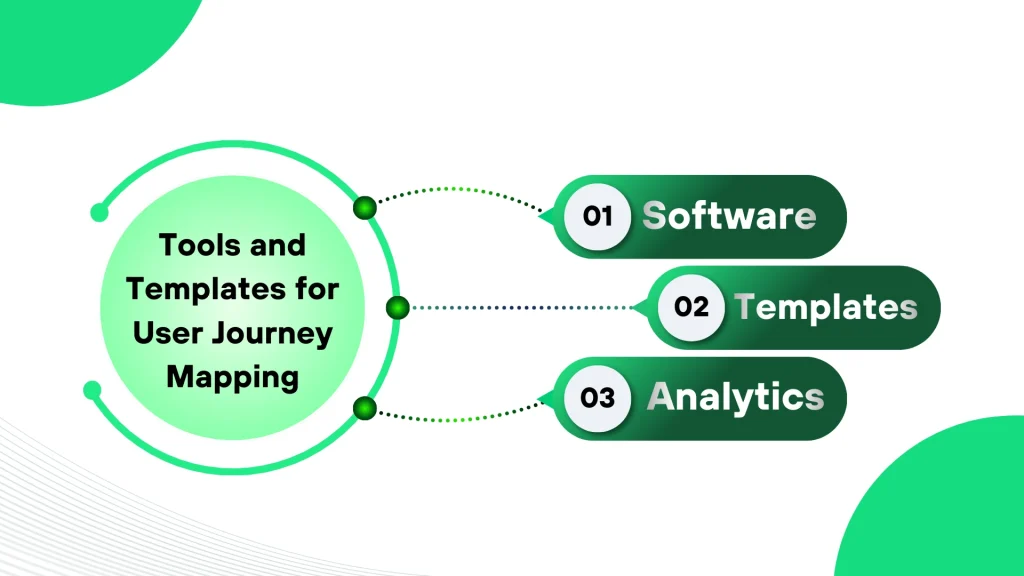
Many software options exist for user journey mapping. Tools like Figma, Miro, and UXPressia offer easy drag-and-drop interfaces. They let you build interactive journey maps fast. These platforms support collaboration, so teams can work together in real time. Some software includes templates designed for specific industries or tasks. This helps tailor maps to your custom services. Choose software that fits your team’s skill level and project needs.
Templates provide a solid starting point for journey maps. They outline common stages and touchpoints users experience. Using templates saves effort and ensures consistency across projects. Customize templates to match your service’s unique steps and user emotions. Keep templates simple and clear to avoid confusion. Regularly update templates based on new data and feedback. This keeps your journey maps relevant and actionable.
Analytics data strengthens user journey maps. It reveals real user behavior and pain points. Link tools like Google Analytics or Hotjar to track user actions. Use this data to validate assumptions in your maps. Analytics highlight where users drop off or face difficulty. This insight helps improve service design and user experience. Combine qualitative feedback with analytics for a complete view. Data-driven maps lead to better decisions and custom service success.
User journey mapping for custom services often encounters several challenges. These obstacles can disrupt the clarity and usefulness of the journey maps. Identifying common problems and applying practical solutions improves the overall process. This section highlights key challenges and effective ways to solve them.
Custom services often involve many steps and touchpoints. Mapping these complex journeys can become confusing quickly. Break down the journey into smaller stages. Focus on one customer goal at a time. Use clear visuals and simple language to avoid overwhelming details.
Involve team members from different departments. Their insights help create a complete and accurate journey map. Test the map with real users to ensure it reflects actual experiences. Simplify where possible without losing important information.
Accurate data is essential for useful journey maps. Inaccurate information leads to poor decisions and wasted resources. Collect data from reliable sources like direct user feedback and analytics tools. Cross-check data from multiple points to verify consistency.
Regularly update data as customer behavior changes. Avoid assumptions by validating insights through interviews or surveys. Clear documentation of data sources helps maintain transparency and trust in the map’s accuracy.
Customer needs and service offerings evolve over time. A journey map that is not updated becomes outdated and less valuable. Schedule regular reviews of the journey map. Adjust the map to reflect new products, services, or customer feedback.
Encourage collaboration among teams to keep the map current. Use digital tools that allow easy updates and sharing. Staying proactive ensures the journey map remains a useful guide for improving customer experience.
User journey mapping has proven to improve custom services across industries. Real-world examples show clear benefits. These case studies highlight practical results and lessons from various sectors. They demonstrate how mapping enhances customer interactions and business outcomes.

A major hotel chain used user journey mapping to identify guest frustrations. They found delays during check-in and unclear room service options. After redesigning these touchpoints, guest satisfaction scores rose by 25%. Customers praised faster service and clearer communication. The hotel also reduced staff workload by streamlining processes.
An online banking platform mapped its user journey to spot pain points in account setup. Many users abandoned the process due to complex forms and slow loading times. The bank simplified the forms and improved app speed. This led to a 40% increase in account creations. User feedback highlighted ease of use and quick access to features.
A consulting firm applied journey mapping to understand why clients left after projects ended. They discovered clients felt unsupported during follow-up phases. The firm introduced regular check-ins and personalized resources. Client retention improved by 30%, and referrals increased as well. This approach built trust and stronger client relationships.
Continuous improvement is key to effective user journey mapping for custom services. It helps refine experiences and meet user needs better. Best practices guide teams to keep maps relevant and actionable. These practices focus on regular evaluation, teamwork, and aligning efforts with business goals.
User journey maps need frequent updates to stay useful. Regular reviews catch changes in user behavior or service offerings. Teams should schedule reviews after new product launches or feedback cycles. This keeps the map current and reflects true user experiences. Consistent updates prevent outdated assumptions and improve decision-making.
Involving multiple departments enriches the user journey map. Marketing, sales, support, and design bring diverse insights. Collaboration uncovers hidden pain points and opportunities. Everyone gains a shared understanding of the user’s path. This teamwork drives better solutions and smoother user experiences.
User journey maps must connect to clear business objectives. This ensures efforts improve key performance indicators. Maps should highlight steps impacting customer satisfaction and revenue. Aligning maps with goals helps prioritize changes that matter most. It creates measurable value from user insights and guides strategic planning.
User journey mapping for custom services visualizes a customer’s experience with tailored offerings. It highlights touchpoints, emotions, and pain points to improve service design and customer satisfaction.
It identifies user needs and challenges at each stage. This insight helps businesses personalize services, enhance user experience, and increase customer loyalty effectively.
A user journey map includes user actions, emotions, touchpoints, pain points, and goals. These elements provide a clear overview of the customer’s interaction with custom services.
Focusing on the user’s perspective uncovers real challenges and expectations. This approach ensures the service meets actual needs, leading to a better, more relevant customer experience.
User journey mapping helps you see your service through user eyes. It reveals key steps and pain points clearly. This insight guides better design and smoother experiences. Mapping keeps your service focused on real user needs. It supports thoughtful improvements and stronger client relationships.
Start small, learn often, and adjust your map regularly. Keep the user journey simple and easy to follow. Doing so leads to happier customers and lasting success.






Leave A Reply Now