


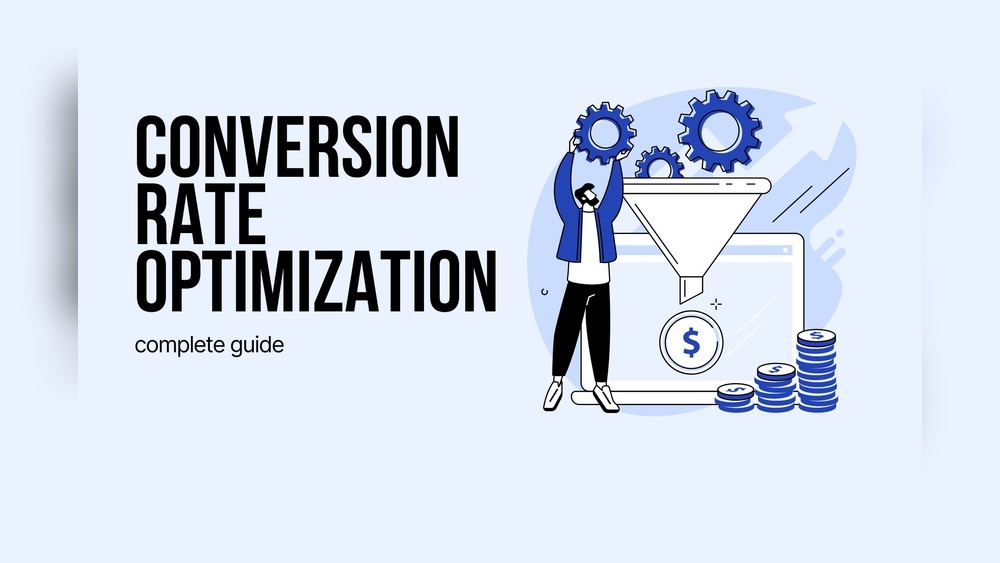
Are you frustrated by the number of visitors who leave your WordPress site without taking action? Turning those casual browsers into paying customers can feel like a mystery.
But what if small changes to your website could make a big difference? By focusing on smart Conversion Rate Optimization (CRO) techniques tailored for WordPress, you can guide your visitors smoothly toward becoming loyal customers. You’ll discover practical, easy-to-apply tips that will boost your site’s performance and increase your sales.
Ready to unlock the true potential of your WordPress site? Let’s dive in and transform your visitors into customers.
Boosting WordPress sales requires smart strategies that turn visitors into paying customers. Many website owners focus on traffic but forget about conversion. Conversion rate optimization (CRO) improves the percentage of visitors who complete a desired action. This action could be buying a product, signing up for a newsletter, or requesting more information. Effective CRO helps your site work harder and increases sales without extra traffic.
CRO increases the value of existing traffic to your WordPress site. It improves user experience by making your site easier to navigate. Visitors find what they want faster and feel confident to buy. Higher conversions lead to more revenue and better return on investment. CRO also helps reduce bounce rates by engaging visitors better. A well-optimized site builds trust and encourages repeat visits.
Start CRO by defining clear, achievable goals. Set targets like increasing sales by a small percentage each month. Focus on specific actions like product purchases, form submissions, or email sign-ups. Use tools like Google Analytics to track progress. Testing small changes helps you learn what works best. Realistic goals keep your efforts focused and measurable. This approach avoids frustration and ensures steady growth.
Optimizing your website design is key to turning visitors into customers. A clean, user-friendly design keeps people engaged. It helps visitors find what they need quickly. Simple design changes can improve your site’s performance and user experience.
This section covers three important design tips. These tips will help make your WordPress site more effective for conversion.
Clear navigation guides visitors through your site. Use simple menus with few options. Group related pages under clear headings. Avoid clutter and confusing links. A visitor should find key pages in two clicks or less. Easy navigation keeps users from leaving your site.
Fast-loading pages prevent visitors from getting frustrated. Compress images to reduce file size. Use caching plugins to speed up load times. Choose a reliable hosting service for better performance. Test your site speed regularly and fix slow pages. Faster sites lead to higher conversion rates.
Many visitors use phones or tablets to browse. Your site must look good on all screen sizes. Use responsive themes that adjust automatically. Make buttons large and easy to tap. Keep text readable without zooming. Mobile-friendly designs improve user experience and boost sales.
Crafting engaging content is essential to turn visitors into customers on your WordPress site. Good content captures attention and keeps users interested. It highlights your strengths and guides visitors toward action. Focus on clear messages that connect with your audience quickly. Use simple language and structure your content well. This builds trust and encourages visitors to explore more.
State clearly what your product or service offers. Explain how it solves a problem or meets a need. Use short sentences and direct language. Visitors should understand your value within seconds. Avoid complex jargon or vague descriptions. Highlight benefits rather than just features. Make your value proposition visible on key pages.
Guide visitors with clear calls to action (CTAs). Use action verbs that tell users what to do next. Examples include “Buy Now,” “Sign Up,” or “Get Started.” Place CTAs where they are easy to find. Use contrasting colors to make buttons stand out. Keep CTAs concise and focused on a single goal. This encourages visitors to take the next step.
Visuals grab attention and make content easier to understand. Use images, videos, or infographics that relate to your message. Choose high-quality visuals that load quickly. Avoid clutter or irrelevant graphics. Visuals should support your text, not distract from it. Adding captions can improve clarity and SEO. Proper use of visuals keeps visitors engaged longer.
Credit: www.wpexplorer.com
Enhancing user experience is key to turning visitors into customers. A smooth, clear, and welcoming website keeps people interested. Visitors who feel comfortable are more likely to buy or sign up. Simple changes can make your WordPress site easier and more enjoyable to use. Focus on how visitors move through your site. Guide them with clear steps and reduce confusion. Better experiences lead to higher conversion rates and happier customers.
Tailor your WordPress site to match visitor needs. Show content based on their location, behavior, or past visits. Personalized experiences make visitors feel valued. Use plugins or tools that adapt pages for different users. Highlight products or posts they may like. Personalization helps visitors find what they want faster. It increases the chances they will take action.
Keep forms short and simple on your site. Long or complicated forms scare visitors away. Ask only for essential information. Use clear labels and easy-to-understand instructions. Add auto-fill options to save time. Test your forms on mobile devices. Smooth form completion improves user satisfaction. It leads to more sign-ups and sales.
Show real feedback and reviews from customers. Positive comments boost trust and credibility. Add testimonials, star ratings, or case studies on your pages. Display logos of well-known clients or partners. Use social media mentions or user-generated content. Trust signals assure visitors your site is safe. Trust helps convert visitors into loyal customers.
Analytics is key to turning visitors into customers on your WordPress site. It reveals what users do and where they lose interest. Using data helps improve your site and boost sales.
Track how visitors move through your site. Identify popular pages and actions taken. Use tools like Google Analytics to see clicks, scrolls, and time spent. This data shows what attracts and engages users.
Find where visitors leave your site without converting. Check pages with high exit rates or low engagement. These spots need improvement to keep users interested. Fix confusing content or slow loading times here.
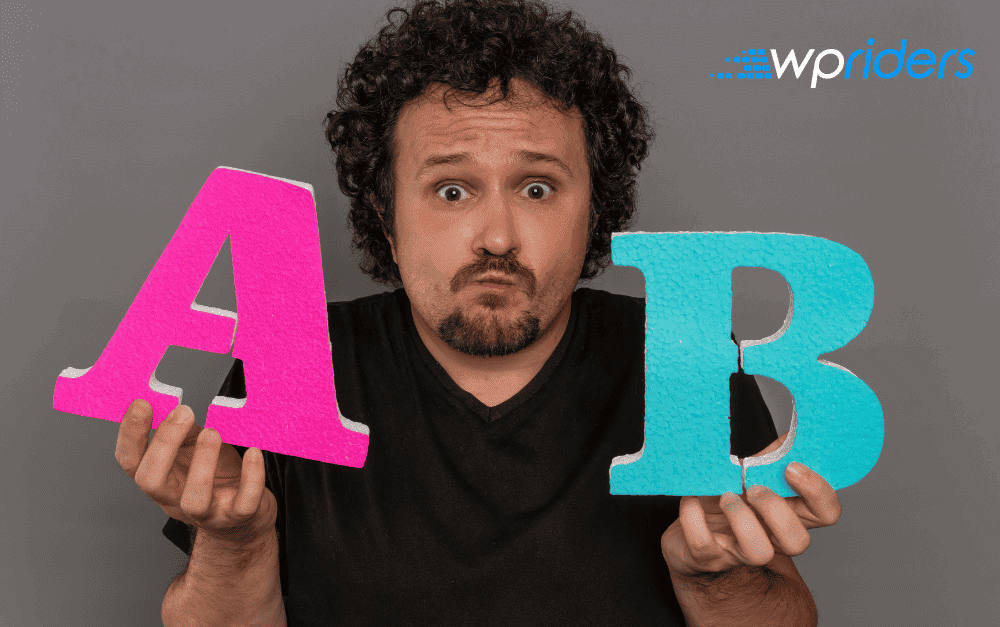
Run A/B tests to compare different versions of pages. Change headlines, buttons, or images and measure results. Choose the version that leads to more conversions. Keep testing to find the best site design.
Credit: wpriders.com
Effective communication is key to turning visitors into customers. Clear, timely interaction builds trust and guides users through your site. It reduces confusion and encourages action. Improving communication on your WordPress site boosts engagement and sales.
Live chat offers instant help to visitors. It answers questions quickly and keeps users interested. Adding live chat to your WordPress site creates a personal connection. Visitors feel supported and more likely to buy. Use simple chat tools that work well on mobile devices.
Collecting visitor emails helps maintain contact after they leave. Use clear forms and attractive offers to encourage sign-ups. Place email capture forms in visible areas like sidebars or pop-ups. Keep forms short and easy to complete. Offer useful content or discounts in exchange for emails.
Automated follow-ups save time and keep customers engaged. Send personalized emails after signup or purchase. Use automation tools to schedule reminders and special offers. Timely follow-ups increase chances of repeat visits and sales. Make your messages friendly and relevant to the user’s needs.
Using the right plugins and tools is key to improving your WordPress site’s conversion rate. They help you understand visitor behavior and simplify changes that boost sales. These tools make tracking and testing easier, giving clear data to guide your decisions.
Plugins can add functions without needing code. Tools like heatmaps and funnel trackers show how visitors interact with your site. Together, they provide insights that turn visitors into customers.
Several plugins help increase conversion rates on WordPress sites. Plugins like OptinMonster create pop-ups and forms that capture leads effectively. Thrive Leads focuses on building email lists with easy-to-use forms. For A/B testing, Nelio A/B Testing lets you compare different page versions to find the best performer. These plugins improve user engagement and encourage actions that lead to sales.
Heatmaps display where visitors click, scroll, and spend time on your pages. This shows which parts attract attention and which get ignored. Session recordings let you watch real visitor sessions. You see exactly how users navigate your site, where they hesitate, or leave. Tools like Hotjar and Crazy Egg offer these features. They help find problems in the user journey and opportunities to improve site layout.
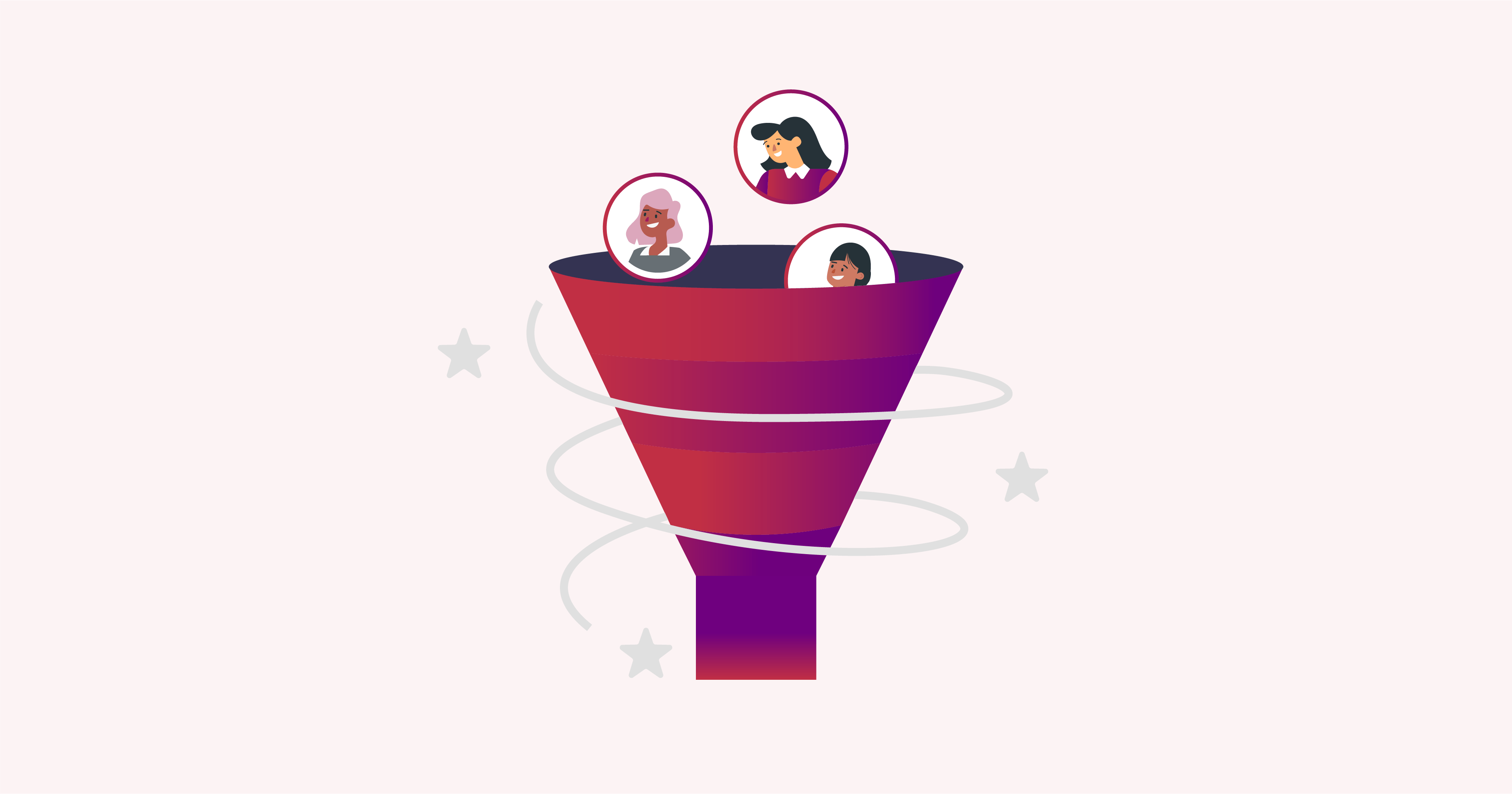
Conversion funnels track the steps visitors take before completing a goal. They highlight where visitors drop off during the buying process. Tools such as Google Analytics and FunnelKit provide detailed funnel reports. Knowing these weak points helps you fix barriers and streamline the path to purchase. Funnel tools allow focused improvements that increase the number of visitors who become customers.
Credit: webinarpress.com
Optimize your website for mobile and fast loading. Create clear calls-to-action and showcase customer testimonials. Personalize content and simplify contact options. Use email marketing to engage visitors regularly.
A good CRO conversion rate typically ranges between 2% and 5%. Rates vary by industry and traffic quality. Consistent testing improves results.
Engage viewers with clear value and strong calls-to-action. Personalize content and showcase social proof. Simplify the buying process and optimize user experience.
A 25% conversion rate is excellent, outperforming many industries’ averages. It indicates strong user engagement and effective marketing strategies.
Boosting conversions on your WordPress site takes clear, simple steps. Focus on easy navigation and fast loading times. Show what you offer clearly and build trust with real reviews. Keep your contact options visible and invite visitors to connect regularly.
Small changes can bring steady growth in customers. Test different ideas often to see what works best. Consistency and patience make conversion improvements last.







Leave A Reply Now