


You’ve put countless hours into creating your course content, especially your videos. But how do you make sure your hard work stays safe and doesn’t end up in the wrong hands?
Protecting your course videos from piracy and unauthorized sharing is crucial if you want to maintain control, earn revenue, and build trust with your audience. You’ll discover clear, practical steps to secure your course content using video protection methods and Digital Rights Management (DRM).
By the end, you’ll know exactly how to keep your lessons locked down—so you can focus on what matters most: teaching and growing your business. Keep reading to unlock the secrets of effective content protection!
Video content used in online courses faces many risks. These risks can affect creators and learners alike. Protecting video lessons is essential to keep the course valuable and trustworthy.
Piracy and unauthorized sharing cause major challenges. Understanding these risks helps in choosing the right protection methods. Awareness of common piracy techniques and their impact guides better security strategies.
Pirates use several ways to steal video content. Screen recording is one popular method. Users record videos while playing them on a device. This creates an unauthorized copy without permission.
Another method is direct downloading. Hackers find loopholes to download files from servers. These copies are then shared or sold illegally. Some use software to bypass security and access videos.
Sharing login details is also a risk. Multiple users access content with one account. This breaks licensing rules and reduces revenue for creators. Each method harms the course’s value and trust.
Video piracy causes financial loss for creators. Less sales mean less income and growth. Creators spend time and money to produce quality content. Piracy reduces their motivation and resources.
It also harms the brand’s reputation. If courses are available for free illegally, learners doubt the content’s worth. This lowers trust and future sales. Protecting videos helps maintain a strong, respected brand.
Legal issues may arise from piracy. Creators might face copyright infringement cases. They need to invest in legal help, which adds extra costs. Prevention is better than dealing with such problems later.
Digital Rights Management (DRM) is key to protecting course content. It keeps your videos safe from unauthorized use. DRM limits how users access, copy, and share your content. This technology is essential for online educators who want to secure their work. Understanding DRM basics helps you choose the right protection for your courses.
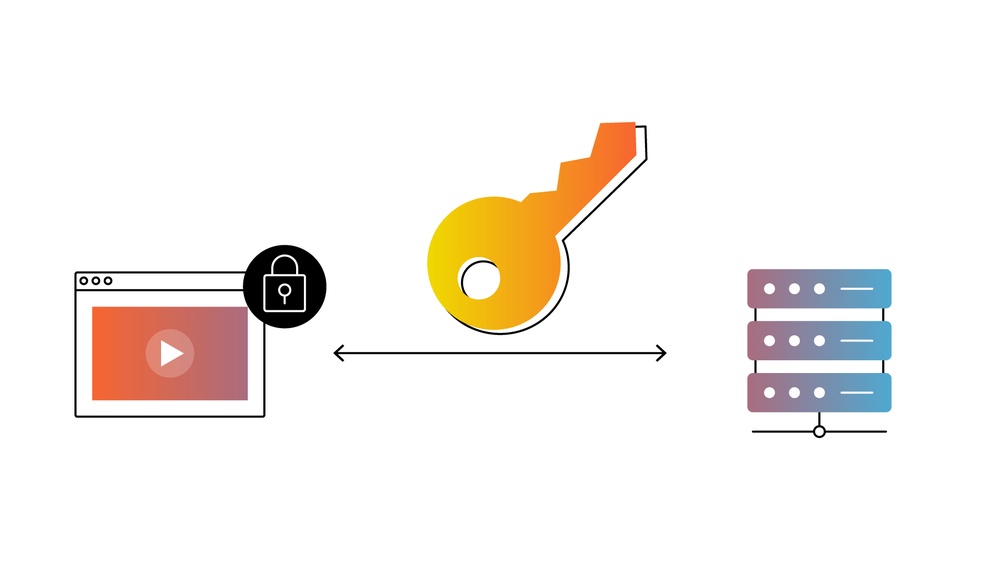
DRM works by encrypting your video files. Encryption scrambles the data, making it unreadable without a key. Only authorized users receive a decryption key to view the content. This key is controlled by a licensing system. The license checks if the user has permission to watch the video. Without the license, the content stays locked and unusable.
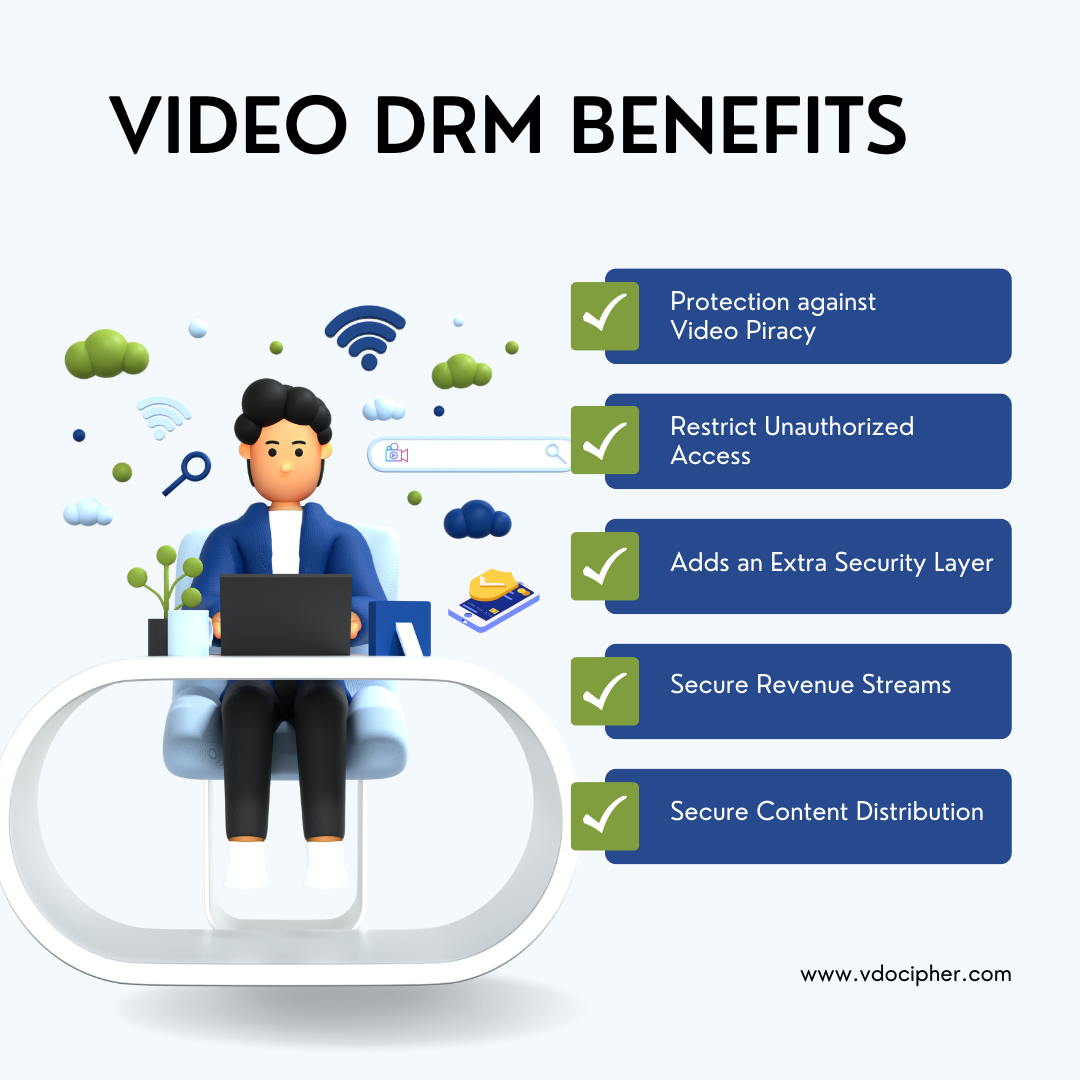
This process helps prevent piracy and illegal sharing. It also controls how many devices can access the content. DRM can restrict features like downloading, copying, or screen recording. This ensures your course videos remain secure and your rights protected.
There are several DRM systems available for video protection. Each has its own features and compatibility. Common types include:
Choosing the right DRM depends on your audience and platform. Some systems work better with certain devices. Combining DRM with other protections like watermarking adds extra security.
Encryption techniques play a vital role in securing course content, especially videos. They convert the original video data into a coded format. This makes it unreadable without the correct key. Encryption stops unauthorized users from copying or sharing your content. It also helps control who can watch your videos and on which devices. Using strong encryption ensures your course material stays safe and your rights are protected.
Transcoding changes video files into formats suitable for different devices. During this process, encryption is applied to protect the content. Packaging bundles the encrypted video with metadata and keys. This package is then ready for secure delivery. The combination of transcoding and packaging ensures that videos remain protected throughout streaming or downloading.
MPEG-DASH and HLS are popular streaming formats for encrypted videos. Both support adaptive streaming, which improves playback quality. These formats work well with Digital Rights Management (DRM) systems. They allow encrypted content to be securely streamed to users. Using these formats helps control access and prevents piracy effectively.
Licensing and authorization are essential to protect your course content from unauthorized use. They ensure only permitted users access your videos. This helps prevent piracy and illegal sharing.
Proper licensing controls the distribution and usage rights of your content. Authorization verifies the identity of users before they view the material. Together, they form a strong defense against content theft.
License management controls who can watch your videos and for how long. It uses digital licenses tied to specific users or devices. Licenses can limit playback to certain periods or restrict downloads.
Automatic license renewal can keep access continuous for paying customers. Revoking licenses stops users from viewing content if needed. This system helps maintain full control over your course materials.
User verification confirms the identity of each viewer. It often uses passwords, email verification, or two-factor authentication. These methods reduce the risk of unauthorized access.
Some platforms use device recognition or IP address checks to add extra layers of security. Combining several verification methods strengthens your content’s protection. This ensures only genuine users access your videos.
Content Decryption Modules (CDMs) are essential in securing online course videos. They work by decrypting encrypted video files so authorized users can watch them. CDMs prevent unauthorized access and copying of course content. This ensures that only paying students or licensed viewers can access the videos.
These modules integrate with browsers and apps to provide a smooth playback experience. They handle the keys that unlock the encrypted videos safely. Without CDMs, course videos would be easy to pirate and share illegally.
CDMs act as gatekeepers for encrypted content. They ensure only authorized users can decrypt and play the videos. The module checks the user’s license and device before unlocking the video.
This control stops unauthorized downloads and screen recordings. CDMs also help enforce the rules set by Digital Rights Management (DRM) systems. This keeps your course content safe from piracy and misuse.
CDMs work closely with device-level security features. They rely on hardware and software safeguards built into devices. This creates a secure environment to handle decryption keys.
Such protection prevents hackers from extracting keys or copying videos. Devices like smartphones, tablets, and computers use Trusted Execution Environments (TEEs). TEEs isolate sensitive processes and data from the rest of the system.
By combining CDMs with device-level security, your course videos get strong protection. This limits the chances of piracy and unauthorized access across multiple platforms.
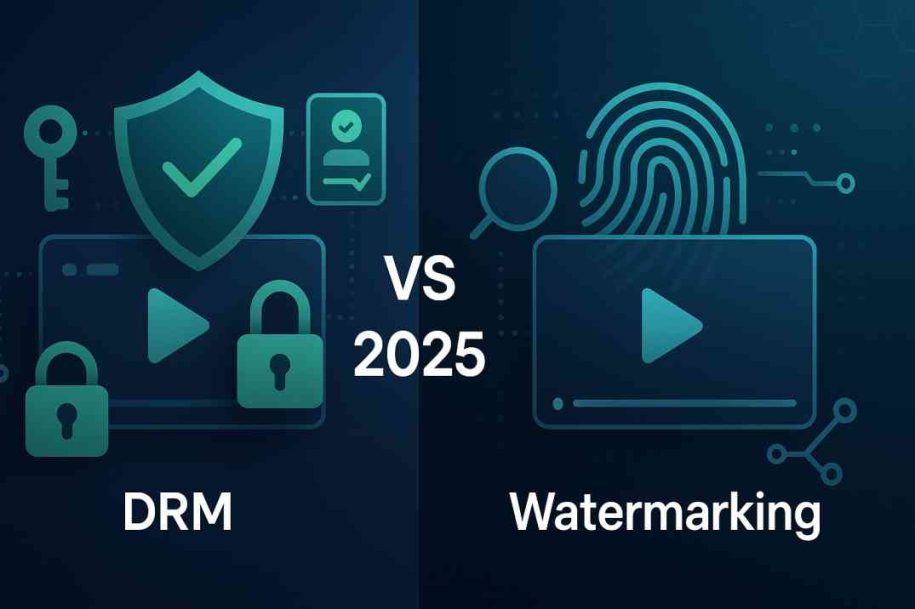
Watermarking strategies play a crucial role in securing course content. They help identify the owner and discourage unauthorized sharing. Watermarks add a layer of protection that is visible or hidden within the video. These methods protect videos from piracy and misuse. Understanding both visible and invisible watermarks strengthens your content security.
Visible watermarks appear as logos, text, or images on the video. They are placed in a way that does not block important content. These watermarks show who owns the video clearly. Visible watermarks help viewers recognize original content at a glance. They also make it harder for pirates to claim the content as their own. Positioning is key to ensure watermarks are effective but not distracting.
Invisible watermarks hide information inside the video data. They do not affect the viewer’s experience. These watermarks can trace the source of leaked content. Invisible watermarks embed unique codes or metadata in the video. They work silently to track unauthorized use without alerting viewers. This method is useful for monitoring and enforcing content protection quietly.
Legal protections form a key part of securing your course content. They help prevent unauthorized use and copying. Using legal tools alongside technology strengthens your defense.
Legal measures clarify rights and obligations for your users. They also provide a basis for action against misuse. Below are two important legal protections to consider.
Terms of Use agreements set clear rules for accessing your content. They explain what users can and cannot do. This includes restrictions on sharing, copying, or downloading videos.
By accepting these terms, users agree to follow your rules. This agreement can help you take legal action if someone breaks the rules. It also shows that you protect your content seriously.
Registering your course content with copyright offices adds extra legal strength. It proves you own the original work. This registration is useful in court to stop piracy.
Copyright protects your videos and course materials automatically. Registration makes enforcement easier and may allow you to claim damages. It is a vital step for serious course creators.

Credit: appsembler.com
Monitoring and enforcement play a key role in protecting your course content. Tracking how your videos are accessed helps spot unauthorized use. Promptly handling violations stops piracy from spreading. Together, these actions keep your content safe and your business secure.
Content tracking tools help you watch over your videos closely. These tools show where and how your content is being used. They can detect unusual activity, such as multiple logins from different locations. Some tools add digital watermarks to identify the source of leaks. Others track playback patterns to find suspicious behavior. Using these tools gives you real-time data on your course content.
Quick response is vital when violations occur. First, confirm the breach using your tracking data. Then, issue warnings or block access for the offender. You may need to use legal notices or takedown requests. Keeping clear records helps if legal action becomes necessary. Regularly update your enforcement policies to stay effective. This firm approach discourages future violations and protects your course.
User education plays a vital role in securing course content. It helps learners understand why video protection and DRM are important. Educated users are more likely to respect usage rules. Clear communication reduces accidental sharing or misuse of content.
Teaching learners about content protection builds a secure learning environment. It also supports fair use and protects creators’ rights. Simple, clear messages help non-native English speakers grasp key points easily.
Start by clearly stating your course’s usage policies. Explain what learners can and cannot do with the videos. Use plain language to describe restrictions like no downloading or sharing. Highlight the reasons behind these rules to gain learner support.
Display policies at course start and in easy-to-find places. Use bullet points for quick reading. Remind learners about these policies during the course to reinforce understanding. Transparency reduces confusion and builds respect for your content.
Trust encourages learners to follow your rules willingly. Be honest about why you protect your videos. Show that protection benefits both creators and learners by ensuring content quality and availability.
Offer support channels for questions about content use and DRM. Respond kindly and clearly to build good relationships. When learners trust you, they respect your course and its protections more.
Credit: www.vdocipher.com
Dealing with DRM issues can disrupt your course content delivery. Understanding common problems helps maintain smooth playback for users. Troubleshooting ensures your protected videos work as intended.
Playback errors often stem from expired licenses or corrupted files. Users may see messages like “content not available” or “playback error.” Clear cache and restart the device to fix simple glitches. Check if the DRM license server is online and responsive. Update the video player or browser to the latest version. Verify that the video file is correctly encrypted and packaged. Sometimes, network restrictions block license verification, causing errors.
Not all devices support every DRM technology. Test your course content on popular devices like smartphones, tablets, and computers. Use DRM systems compatible with major platforms such as Widevine, PlayReady, and FairPlay. Ensure your video format matches device capabilities, like HLS for Apple devices. Recommend users update their operating system to improve compatibility. Provide clear instructions on supported browsers and apps. Consider fallback options for unsupported devices to avoid playback failure.
Choosing the right DRM solution is vital to protect your course content effectively. The correct DRM system controls how users access and use your videos. It helps prevent piracy and unauthorized sharing. Selecting a DRM solution requires careful thought about features and costs. The goal is to find a balance between protection and usability.
Look for DRM solutions with strong encryption methods. Encryption ensures only authorized users can view your content. Check if the DRM supports multiple devices and platforms. Cross-device compatibility improves learner experience. Consider if it offers offline access securely. Some DRM systems allow downloads but keep content protected. Also, see if watermarking or fingerprinting is included. These features help track leaks and discourage sharing. Easy integration with your existing platform is key. The DRM should not disrupt the learning process.
DRM solutions come in a range of prices. Set a clear budget before starting your search. Cheaper options may lack essential security features. Expensive DRM might offer more customization and support. Think about the value of your content. Investing in solid protection saves money on lost revenue. Check for hidden fees like licensing or user limits. Some providers charge based on the number of viewers. Compare costs against the features offered. Choose a DRM that fits your needs and budget.
Credit: inkryptvideos.com
Encrypt the video file using DRM tools during transcoding or after encoding. Package it in MPEG-DASH or HLS format. Manage licenses to control access and playback. Use a Content Decryption Module on users’ devices to enforce restrictions and prevent unauthorized copying or sharing.
Protect online course content by using DRM encryption, strong licensing agreements, and visible watermarks. Monitor usage and educate users on copyright rules.
Restart your device and TV completely. Unplug and replug the HDMI cable. Relaunch Discovery Plus to resolve DRM issues.
DRM content protection encrypts digital media to control access, copying, sharing, and usage. It prevents piracy by requiring licenses and authorization for playback. Commonly used in streaming videos, music, e-books, and games, DRM ensures only authorized users can view or use protected content.
Protecting your course content keeps your work safe and valued. Use video protection and DRM to limit unauthorized access. Encrypt videos and apply licenses to control usage. Watermarks help discourage copying and sharing. Regularly update your security methods to stay ahead.
Educate your learners about respecting content rules. Strong protection helps maintain your course’s quality and trust. Secure content means peace of mind for creators and students alike. Keep your lessons safe, and your audience engaged.







Leave A Reply Now