


You might think free plugins are a quick and easy way to add features to your website or software. But have you ever stopped to consider the hidden dangers they bring along?
Using free plugins can open doors to serious security risks that put your entire business at risk. From unpatched vulnerabilities to unauthorized access, these threats can lead to data breaches, lost trust, and costly damages. That’s why many enterprises are shifting their focus to custom-built extensions designed specifically to protect their unique needs.
You’ll discover exactly why relying on free plugins could be a costly mistake—and how investing in custom solutions can keep your business secure and running smoothly. Keep reading to protect your digital assets before it’s too late.

Credit: www.ox.security
Free plugins offer quick and easy features for websites. Enterprises often use them to save time and money. Yet, free plugins carry hidden security threats that can risk a company’s data and reputation.
Many free plugins lack thorough testing and regular updates. Cyber attackers watch for these weaknesses. They exploit vulnerabilities to breach systems and steal information. This risk makes enterprises cautious and often leads them to choose custom-built extensions for better security.
Free plugins may contain weak code and poor design. These flaws create openings for hackers. Some common issues include SQL injection, cross-site scripting, and broken authentication. Attackers use these weaknesses to gain control over websites and data.
Many free plugins are not updated regularly. Developers may abandon them or delay fixes. Unpatched security flaws become easy targets for cyber attacks. Hackers scan for old plugins to exploit known weaknesses quickly.
Free plugins can expose sensitive user data. Some request excessive permissions beyond their needs. This access may lead to leaking passwords, personal details, or financial records. Data exposure causes serious harm to enterprises and their customers.
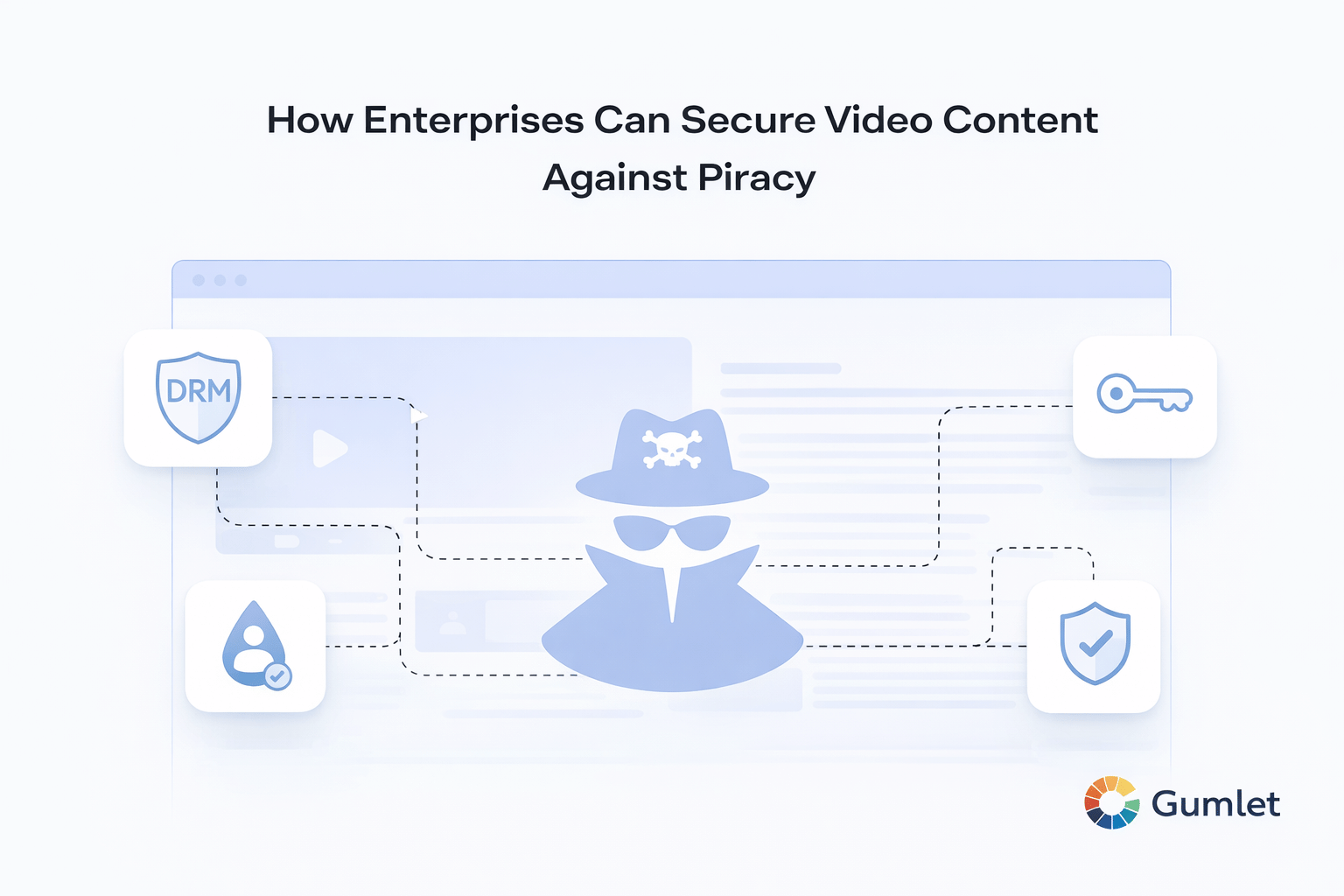
Credit: www.gumlet.com
Free plugins may seem like a cost-effective solution for enterprises. Yet, their impact on enterprise systems can be serious. These plugins often introduce security risks and system inefficiencies. Enterprises face challenges in maintaining secure and fast systems when relying on such plugins. This section highlights key risks affecting enterprise systems.
Free plugins sometimes have poor security controls. Hackers can exploit vulnerabilities to gain unauthorized access. This leads to privilege escalation, where attackers gain higher system rights. Such breaches put sensitive data and critical operations at risk. Enterprises must avoid plugins that lack robust security measures.
Many free plugins add extra code that slows down systems. This creates performance bottlenecks affecting user experience and productivity. Slow systems can cause delays in business processes. Custom-built extensions are optimized to run efficiently without slowing down enterprise systems.
Popular free plugins attract more attackers due to their wide use. Hackers often focus on these targets to maximize impact. Enterprises using popular plugins face higher risk of attacks. Custom extensions reduce exposure by limiting common vulnerabilities found in widely used plugins.
Off-the-shelf extensions often seem like a quick solution for adding features. Enterprises use them to save time and costs. But these ready-made plugins come with important limitations. These issues can expose businesses to security risks and operational problems. Understanding these drawbacks clarifies why many companies prefer custom-built extensions.
Many free plugins receive little or no regular updates. Developers may abandon them after initial release. This leaves security holes open and unpatched. Old plugins fail to meet new software standards. Enterprises face risks from outdated code and compatibility issues.
Some plugins request permissions beyond their needs. They may access sensitive user data without clear reasons. This hidden access can lead to data leaks or misuse. Enterprises must carefully review what data extensions can access. Blind trust in free plugins often results in privacy breaches.
Free plugins can contain malware or harmful code. Cybercriminals exploit popular extensions to spread viruses. Vulnerabilities in these plugins offer easy entry points to hackers. Enterprises risk system compromise and data theft from infected plugins. Custom-built extensions reduce this threat by strict code control.
Credit: www.sencha.com
Custom extensions offer several clear benefits over free plugins, especially for enterprises focused on security and performance. These extensions are built to fit specific business needs. They provide stronger protection and better efficiency than generic solutions. Enterprises can control every aspect of the extension, reducing risks and improving user experience.
Custom extensions allow precise security settings. Enterprises set rules that match their policies exactly. They limit access to sensitive data and functions. This reduces the chance of unauthorized use or breaches. Developers can quickly fix issues and update protections. Free plugins often lack this flexibility and timely support.
Custom-built extensions focus on essential features only. They avoid unnecessary code that slows down websites. This results in faster loading times and smoother operation. Better performance enhances user satisfaction and SEO rankings. Enterprises avoid the bloat that comes with many free plugins.
Custom extensions have fewer potential vulnerabilities. Developers include only needed functions, reducing entry points for hackers. They undergo thorough testing tailored to the company’s environment. This lowers the risk of malware and cyberattacks. Free plugins often carry extra code that increases exposure to threats.
Enterprises must follow strict practices to reduce security risks from plugins. Free plugins often lack strong security measures. This can expose websites to attacks and data breaches. Careful management helps protect business data and maintain trust.
Choose plugins only from trusted and reputable developers. Check user reviews and update frequency before installation. Avoid plugins with few downloads or poor support. Verify the developer’s credibility through official marketplaces or websites. This reduces the chance of installing malicious or vulnerable plugins.
Conduct security checks on all installed plugins regularly. Use automated tools to scan for vulnerabilities and outdated code. Remove or update plugins that show security issues immediately. Schedule audits as part of ongoing website maintenance. This practice helps detect risks early and prevents attacks.
Develop custom plugins tailored to specific business needs. Custom solutions offer better control over code quality and security. Enterprises can limit access to sensitive data and reduce unnecessary features. Custom plugins receive focused updates and support from internal teams. This approach lowers risks compared to free, generic plugins.
Plugins pose security risks by having vulnerabilities hackers exploit to gain unauthorized access. Outdated or poorly coded plugins can expose sensitive data and allow malware attacks. Granting excessive permissions increases risk, making websites vulnerable to breaches and performance issues.
Downloading extensions can expose sensitive data like passwords and browsing history to malicious actors. They may exploit permissions to hijack accounts or install malware.
Extensions can pose security risks by accessing sensitive data or introducing malware. Unmaintained or malicious extensions increase vulnerability.
Plugins and extensions can expose sensitive data and create security gaps. Unpatched vulnerabilities allow hackers to gain unauthorized access or inject malware.
Free plugins often expose enterprises to serious security threats. Attackers exploit unpatched bugs to steal data and gain control. Custom-built extensions offer tailored security and better control. They reduce risks from unknown or outdated code. Enterprises avoid costly breaches by investing in custom solutions.
Secure software means safer data and more trust. Choosing the right extension matters for business safety. Custom development supports unique needs and ongoing updates. Protect your business by prioritizing secure, custom plugins.







Leave A Reply Now