


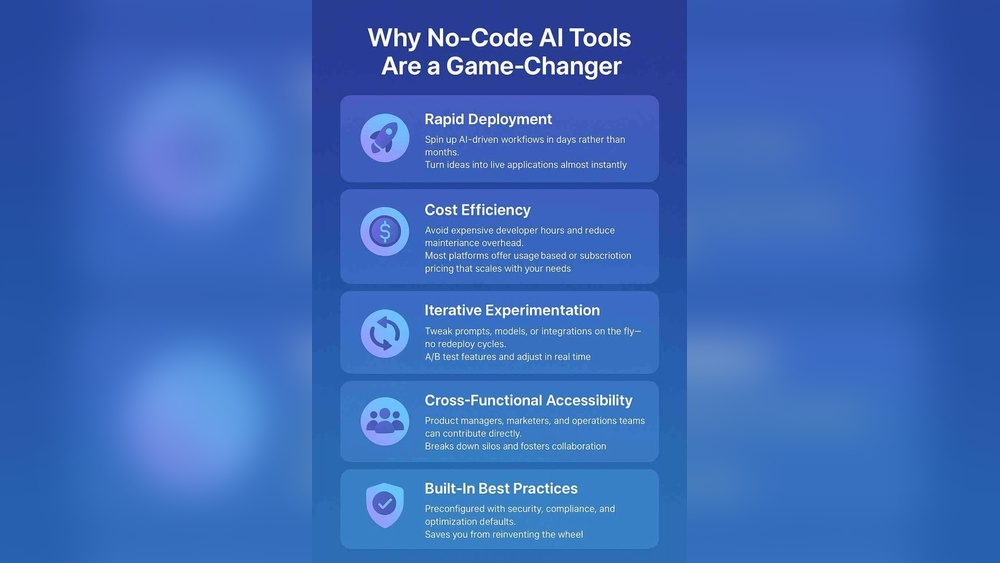
No-code platforms let people build apps without writing code. They use simple tools like drag-and-drop blocks. Many people like no-code platforms because they make app building easy and fast. But problems appear when apps grow bigger and more complex. This is called “breaking at scale.” In this article, we will explain why no-code platforms break at scale and what this means for users.
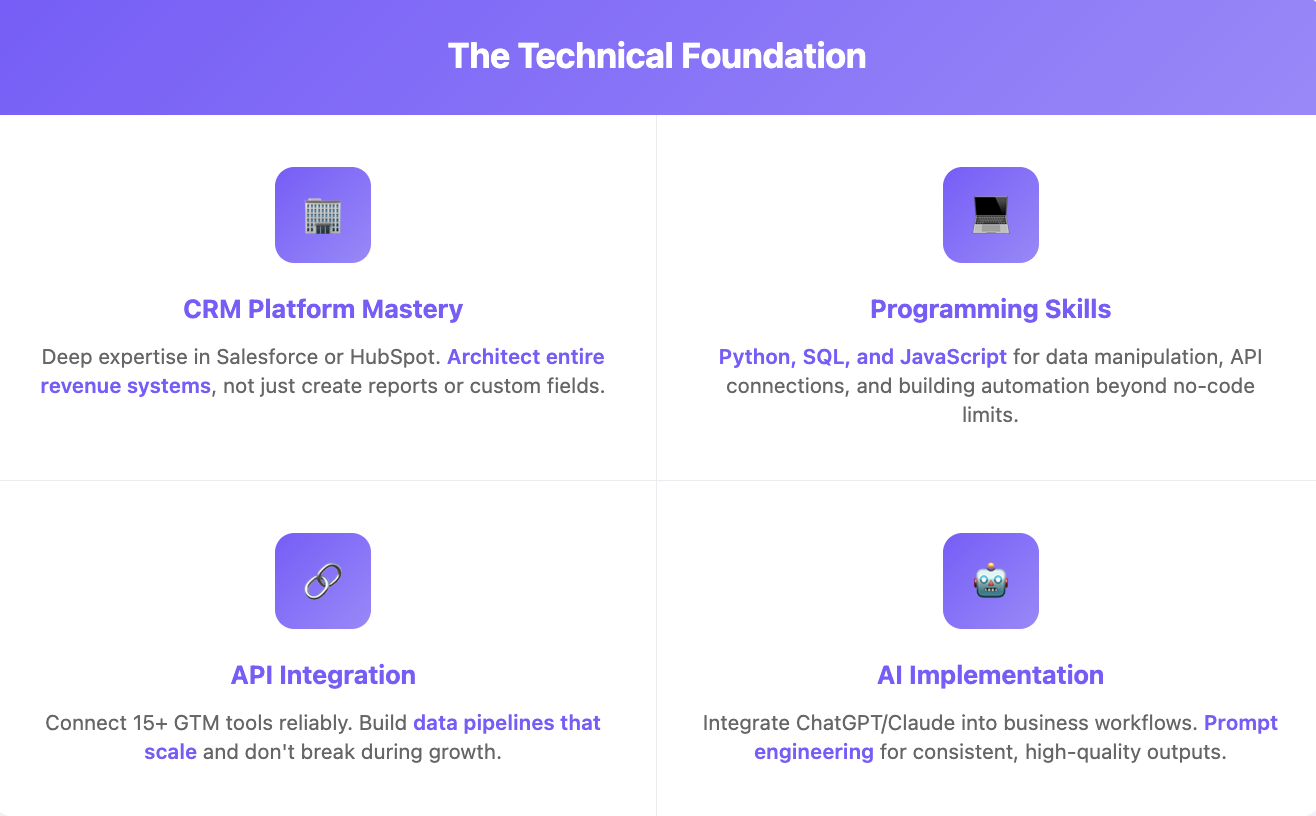
Credit: databar.ai
No-code platforms are software tools. They let users create websites, apps, or workflows. Users do not need to know how to write code. Instead, they use visual tools. This helps people who are not programmers to build software.
Examples of no-code platforms include:
These tools work well for small apps or simple projects. But what happens when the app needs to grow?
Scaling means making an app work well for many users or complex tasks. No-code platforms often break at scale because they hide complexity. They try to make app building easy by hiding details. This works fine for small apps. But when apps become bigger, users face hard limits.
Here are the main reasons no-code platforms break at scale:
No-code tools have rules and logic you can add. But these rules are often simple. When you need complex logic, no-code platforms struggle. You cannot add very custom behaviors. This is a big problem for apps with many users or complex functions.
When many people use your app at the same time, it must work fast. No-code platforms can slow down with many users. They may not handle large amounts of data well. This makes apps lag or crash.
Apps often need to connect with other software. No-code platforms offer some integrations, but they are limited. If you need a special or new integration, no-code tools may not support it. This limits the app’s usefulness as it grows.
No-code platforms usually have simple databases. They work well for small data sets. But when data grows complex, these databases become slow or hard to manage. This affects app reliability and speed.
Scalable apps need special architecture. This includes load balancing, caching, and cloud services. Many no-code platforms do not have this built-in. So, apps built on no-code may fail under heavy load.
Many companies start with no-code tools. They build minimum viable products (MVPs). These are simple versions of apps to test ideas. But when their user base grows, problems arise. They face limits in performance and features.
For example, a startup used a no-code platform to build their app. At first, it worked well. But when thousands of users joined, the app became slow. They had to rebuild the app with custom code. This process was costly and took time.
No, no-code platforms are not bad. They are great for many uses. They help people build apps without coding skills. They save time and money for small projects.
However, no-code platforms are not perfect for large or complex apps. If your app needs to handle many users or complex tasks, no-code may not be enough. You may need custom development or low-code tools.
No-code platforms are best for:
If your app fits these needs, no-code is a good choice. It helps you start fast without technical skills.
.webp)
Credit: www.datachannel.co
You should avoid no-code platforms if you need:
In these cases, low-code or traditional coding is better. They offer more power and flexibility.
If you want to use no-code but worry about scaling, here are some tips:
| Tip | Description |
|---|---|
| Start Small | Build a simple app first. Test with few users. |
| Plan for Growth | Think about future needs early. Design app to grow. |
| Use Hybrid Approach | Combine no-code with custom code for complex parts. |
| Monitor Performance | Track app speed and errors. Act quickly on problems. |
| Choose Right Platform | Pick no-code tools that support scaling features. |
New technologies like AI are changing no-code tools. AI can help build apps faster. It may also add more power to no-code platforms. This could reduce some scaling problems.
Still, no-code platforms will have limits. They are tools for certain jobs. For big and complex apps, custom coding will remain important.
No-code platforms make app building easy and fast. They hide complex details to help users. But they often break at scale. This means they fail when apps grow large or complex.
The main issues are limited logic, performance problems, integration limits, data complexity, and architecture. No-code platforms are great for small projects but not for big ones.
If you want to use no-code, start small and plan for growth. Use hybrid tools if needed. Keep an eye on app performance. And choose platforms with good scaling features.
In the future, AI may improve no-code tools. But custom coding will still be needed for big apps. No-code is a useful tool, but it is not the answer for everything.
No-code platforms hide complexity, which causes limits when apps grow. Custom logic and performance needs often exceed their capacity. This leads to failures as user demand rises.
Most no-code tools struggle with large user bases. They are great for small apps or MVPs but not for heavy traffic. Scaling often needs a rebuild or migration.
Limits include performance issues, lack of custom integrations, and rigid logic. These platforms can’t easily adapt to complex business needs. Growth exposes these hidden constraints.
Hidden complexity means the platform can’t handle advanced features well. As apps need more customization, no-code tools show their weaknesses. This reduces overall scalability.







Leave A Reply Now