


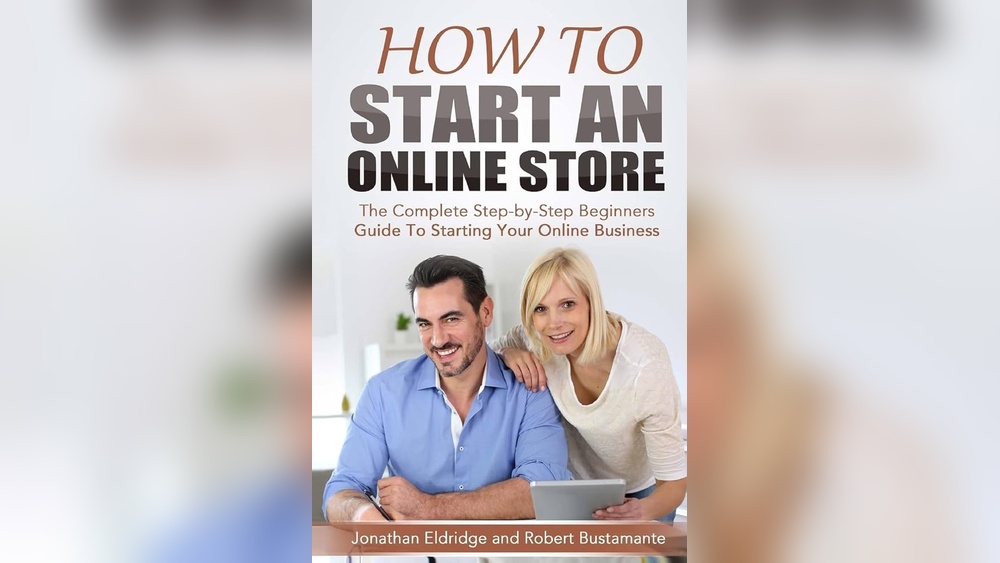
Starting an online store can be a good way to sell products. You can reach many people using the internet. This guide will help you start your own online store step by step.
First, decide what products you want to sell. This is called choosing a niche. A niche means a specific area or type of product.
Examples of niches:
Pick something you like or know well. This makes selling easier and more fun.
You must understand who will buy your products. Think about their age, hobbies, and what they need.
For example:
Knowing this helps you sell better.
A business plan is like a map for your store. It shows what you want to do and how you will do it.
Your plan should include:
Write down your ideas to stay focused.
Your business name is important. It should be easy to say and remember.
Tips for choosing a name:
This helps people find your store faster.
A domain name is the address for your website. It looks like www.yourstore.com.
You can buy a domain name from websites like:
Try to get a domain name that matches your business name.
You need a platform to build your store. It will show your products and take payments.
Some popular platforms are:
| Platform | Good For | Price |
|---|---|---|
| Shopify | Easy to use, many apps | Monthly fee |
| Wix | Simple website builder | Free and paid plans |
| WooCommerce | Works with WordPress | Free, but needs hosting |
Pick one that fits your needs and budget.
Your store should look nice and be easy to use.
Follow these tips:
A good design helps people trust your store.
Customers need a way to pay for products. You must connect a payment provider.
Common payment options:
Choose payment methods that many customers use.
Think about how you will deliver products to customers.
Options include:
Set clear shipping costs and delivery times.
After your store is ready, tell people about it.
Ways to promote:
Good promotion brings visitors and sales.
Help customers if they have questions or problems.
Good service means:
Happy customers may buy again and tell others.

Credit: www.shopify.com
Check how your store is doing. This helps you improve.
Look at:
Use tools like Google Analytics for this.

Credit: tameta.tech
| Step | What to Do |
|---|---|
| 1 | Choose a niche and products |
| 2 | Know your target customers |
| 3 | Write a business plan |
| 4 | Pick a business name |
| 5 | Buy a domain name |
| 6 | Choose an e-commerce platform |
| 7 | Design your online store |
| 8 | Set up payment methods |
| 9 | Plan your shipping process |
| 10 | Promote your store |
| 11 | Provide good customer service |
| 12 | Track your store’s performance |
Starting an online store is a big step. But with the right plan, you can do it.
Follow each step. Take your time and stay focused. Your online store can grow and become a good business.
The 3-3-3 rule in sales means focusing on three prospects, making three contacts, and using three key messages. It improves outreach effectiveness and builds momentum. This simple strategy reduces overwhelm, increases memorability, and drives sales focus for better results.
Choose a niche and target audience. Create a business plan and brand identity. Register your business and pick an eCommerce platform. Name your store, get a domain, and design your site. Connect payment providers and launch marketing to attract customers.
The 2 2 2 rule in sales means making two calls, sending two emails, and connecting twice on social media. It boosts outreach effectiveness and follow-up consistency. This strategy helps maintain engagement without overwhelming prospects, improving sales success and relationship building.
The 5 C’s of ecommerce are Company, Customers, Competitors, Collaborators, and Context. These elements guide strategy and growth.







Leave A Reply Now