


Choosing the right LMS platform can feel overwhelming. You want a system that fits your goals, budget, and the needs of your learners.
But with options like WordPress, SaaS solutions, and custom-built platforms, how do you decide which one is best for you? This guide will break down the pros and cons of each, helping you make a smart choice that saves time, money, and frustration.
Keep reading to discover how to match your unique requirements with the perfect LMS platform. Your next step toward effective learning starts here.
Credit: www.scalahosting.com
Setting clear learning goals is the first step to choosing the right LMS platform. Goals guide your decisions and help measure success. Without defined goals, selecting between WordPress, SaaS, or custom LMS becomes difficult. Goals focus the platform’s features on what matters most to your learners and organization.
Start with understanding what you want your learners to achieve. Then, consider who your learners are and how they learn best. These insights make it easier to pick a platform that fits your needs and budget.
Training objectives describe what learners should know or do after completing courses. Define clear, specific objectives. For example, improve customer service skills or ensure compliance with safety rules. Objectives guide the choice of content, tools, and assessments your LMS must support. They also help track progress and measure results effectively.
Learner profiles detail who your users are and how they learn. Include factors like age, technical skills, job roles, and learning preferences. For instance, young learners might prefer mobile access, while professionals may need detailed reports. Understanding profiles helps select a platform that offers suitable features and user experience. It also supports better engagement and learning outcomes.

Credit: www.zealousys.com
Setting a clear budget is vital when choosing an LMS platform. It guides your decisions and helps avoid overspending. Each LMS type—WordPress, SaaS, or custom—has different costs to consider. Understanding these costs early keeps your project on track and within limits.
Setup costs vary by LMS type. WordPress may require fees for themes, plugins, and hosting. SaaS platforms often charge monthly or yearly setup fees. Custom LMS development needs budget for design, coding, and testing. Factor in costs for domain registration and SSL certificates too.
Ongoing expenses include hosting, updates, and support. WordPress sites need regular plugin updates and security checks. SaaS platforms include maintenance in subscription fees, but watch for price changes. Custom LMS requires dedicated staff or contractors for maintenance. Consider costs for scaling as your user base grows.
Return on investment shows the value of your LMS choice. Measure improved training efficiency, learner engagement, and reduced costs. WordPress can be cost-effective for small to medium projects. SaaS offers quick setup and less technical hassle. Custom solutions fit unique needs but need more time and money. Weigh benefits against costs carefully.
Choosing the right LMS platform depends on many features. These features affect how learners and admins use the system daily. Understanding key features helps pick a platform that fits your needs. Focus on user experience, content management, and other critical areas.
Easy navigation keeps learners focused on training. The platform should have a simple, clear layout. It must work well on phones and tablets. Fast loading times improve user satisfaction. Admins also need intuitive controls for managing courses.
Look for easy content uploading and editing tools. Support for videos, PDFs, and interactive materials is important. Compatibility with standards like SCORM or xAPI matters. The platform should allow organizing courses clearly. Bulk upload and version control save time for admins.
Tracking learner progress is vital for success. Choose an LMS with detailed reports on engagement and completion. Analytics help identify content strengths and weaknesses. Customizable reports assist different roles, such as managers or trainers. Real-time data allows quick decisions.
Seamless connection with other software boosts efficiency. The LMS should integrate with HR systems and CRMs. Single sign-on (SSO) simplifies user access. APIs and plugins extend platform functions. Check if your current tools work with the LMS.
Branding helps create a professional learning environment. Customize logos, colors, and layouts easily. Tailor learning paths to different learner groups. Flexible settings let you add or remove features. Custom solutions allow deeper changes but may cost more.
Interactive elements increase learner motivation and retention. Gamification, quizzes, and badges encourage participation. Social learning features support collaboration and discussion. Notifications and reminders keep learners on track. Choose tools that fit your training style.
Protecting learner data is critical for trust. The LMS must follow data privacy laws and standards. Look for secure login and encryption options. Scalability ensures the platform grows with your needs. Check if the provider offers regular updates and backups.

Credit: lmsninjas.com
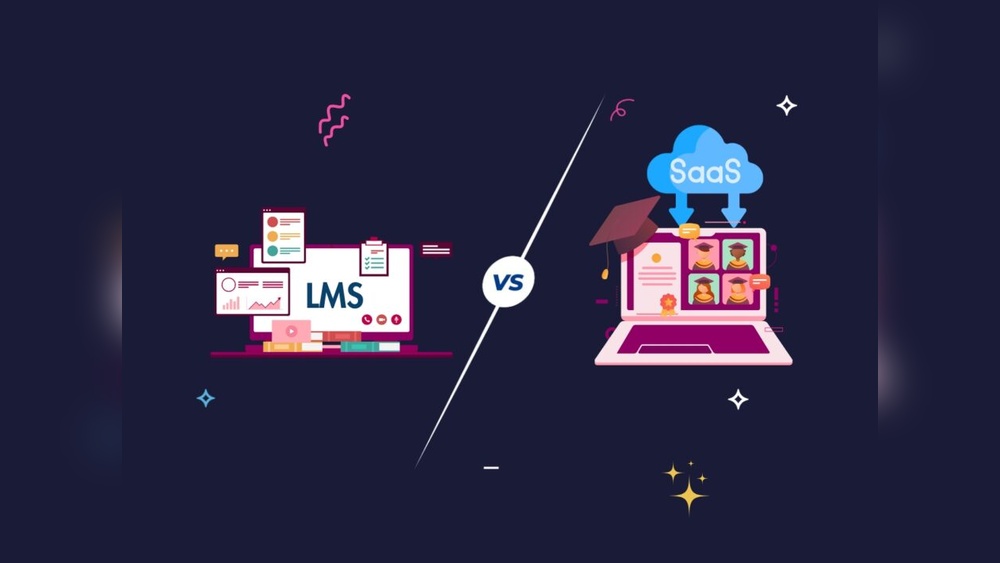
Choosing the right Learning Management System (LMS) depends on your needs and resources. Different LMS types offer unique benefits and limitations. Understanding WordPress LMS plugins, SaaS platforms, and custom-built solutions helps you make a smart choice. Each option suits different budgets, technical skills, and goals.
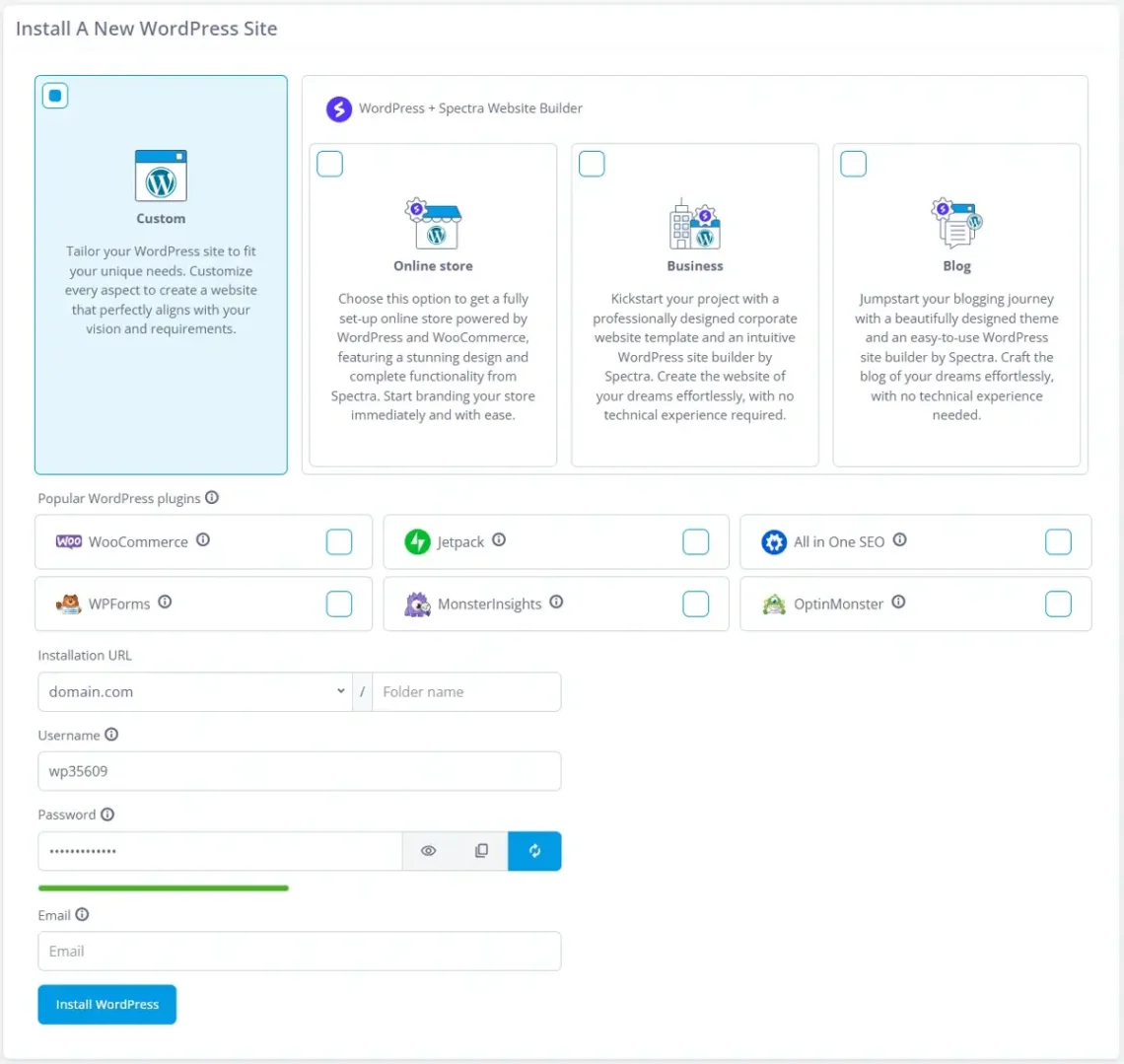
WordPress LMS plugins integrate with your existing WordPress site. They are cost-effective and easy to install. Many plugins offer essential features like quizzes, certificates, and course management. Ideal for small to medium projects with limited budgets. Plugins require some technical skills for setup and customization. Updates and security depend on the plugin developer. Good choice if you want control and flexibility without heavy investment.
SaaS LMS platforms are cloud-based and hosted by providers. They require no technical setup or server management. Subscription fees cover hosting, updates, and support. SaaS platforms offer fast deployment and regular feature improvements. Best for organizations without IT teams or hosting resources. Limited customization compared to WordPress or custom solutions. Focus on user-friendly interfaces and reliable customer service. Ideal for quick start and scalable growth.
Custom-built LMS solutions are designed specifically for your needs. They offer full control over features and design. Development requires significant time and budget investment. Ideal for unique workflows or integration needs. Custom LMS can grow with your organization without limits. Maintenance and updates need dedicated technical staff. Best for large organizations with complex requirements. Provides tailored experience but needs ongoing support and resources.
Evaluating deployment options is a crucial step in choosing the right LMS platform. Deployment affects control, cost, maintenance, and user experience. It determines how and where your LMS runs. Two main deployment types exist: cloud-based hosting and self-hosted solutions. Each offers distinct advantages and challenges.
Cloud-based hosting means your LMS runs on remote servers managed by a provider. This setup requires no hardware on your side. You access the platform via the internet.
Cloud hosting offers quick setup and easy scaling. Updates and security patches happen automatically. This reduces your IT workload. The provider handles backups and uptime.
Costs are usually subscription-based. This spreads expenses over time. Cloud solutions suit organizations wanting low upfront costs and simple maintenance.
Drawbacks include less control over data and customization. Internet speed can affect access quality. Security depends on the provider’s measures.
Self-hosted solutions run on your own servers or private cloud. You manage installation, updates, and backups. This offers full control over the LMS environment.
Self-hosting allows deep customization and integration with internal systems. It suits organizations with strict data policies or complex needs. You decide when to update and maintain the platform.
Initial setup costs can be higher. You must have technical staff for support. Maintenance and security are your responsibility.
This option is ideal for organizations with IT resources and a need for control. It offers flexibility but requires more effort.
Researching vendors is a crucial step in choosing the right LMS platform. It helps you understand what each vendor offers and how their solutions fit your needs. Gathering detailed information reduces risks and ensures a better match for your organization.
Focus on reliable sources to evaluate vendors. This process includes checking reviews and ratings, reviewing case studies, and requesting demos. Each step provides unique insights about the vendor’s performance and product quality.
Reviews and ratings reveal real user experiences. They highlight strengths and weaknesses of the LMS platforms you consider. Look for consistent feedback on usability, support, and features. Pay attention to recent reviews to get current information.
Use multiple sites to avoid biased opinions. Compare scores and read comments carefully. This step helps filter out vendors that do not meet your expectations.
Case studies show how vendors solved problems for organizations like yours. They provide examples of successful implementations and results achieved. Analyze these stories to learn about the vendor’s approach and flexibility.
Focus on case studies related to your industry or learning goals. They often include challenges faced and how the LMS handled them. This insight helps you gauge the vendor’s ability to support your needs.
Demos let you explore the LMS platform hands-on. They give a feel for the interface, tools, and overall user experience. Involve your team to see if the system is intuitive and meets your requirements.
Ask vendors for a guided tour and specific feature demonstrations. Use this chance to ask questions and clarify doubts. A good demo will help you make an informed decision.
Testing with a pilot program helps you evaluate LMS platforms before full launch. It reveals real user experience and system performance. Pilot testing reduces risks and uncovers hidden issues early. This step is key to choosing between WordPress, SaaS, or custom LMS solutions.
Choose a small, diverse group for the pilot test. Include learners with different tech skills and roles. Select admins who will manage the LMS daily. This group should represent your wider audience well. A varied pilot group uncovers more usability insights and technical problems.
Keep the pilot size manageable to control feedback and support. Avoid too many participants that could overwhelm the testing phase. Clear communication about pilot goals helps users stay focused. Provide training or guides to ease their LMS use during the test.
Collect feedback from pilot users and administrators regularly. Use surveys, interviews, or group discussions to capture honest opinions. Ask about ease of use, navigation, content access, and technical issues. Gather input on features like reporting, mobile access, and integrations.
Include feedback from IT staff about system performance and security. Involve decision-makers to assess if the platform meets business needs. Analyze feedback to identify patterns and critical problems. Use this data to compare WordPress, SaaS, and custom LMS options effectively.
Planning for long-term growth is essential when choosing an LMS platform. Your platform must support your organization as it expands. It should handle more users, courses, and data without losing performance. This planning helps avoid costly migrations later. Consider your future needs carefully to make a wise choice today.
Scalability means the LMS grows with your organization. It should support more learners and content easily. Check if the platform can handle spikes in user activity. WordPress LMS plugins might need extra setup to scale well. SaaS platforms usually scale automatically. Custom solutions depend on your development team’s skill. Choose a platform that matches your expected growth.
Choose an LMS that fits your long-term plans. Think about new features you may need later. Will you add certifications, mobile learning, or integrations? Make sure the platform allows upgrades or customizations. Avoid platforms that limit future expansion. Your LMS should support changes in training goals and technology. Planning ahead keeps your learning system relevant and useful.
Strong support is vital for smooth growth. Check what support options the provider offers. Look for tutorials, live help, and community forums. Training resources help your team manage the platform well. SaaS platforms often include ongoing support and updates. Custom LMS may require dedicated technical help. WordPress support depends on plugin developers and hosting. Reliable support saves time and reduces frustration.
Define your learning goals, audience, and budget. Prioritize ease of use, mobile access, reporting, and integrations. Research vendors, request demos, check reviews, and ensure scalability for future growth. Choose a system matching your content, IT infrastructure, and support needs.
The best LMS for WordPress combines ease of use, customization, mobile access, robust analytics, and seamless integrations. Popular options include LearnDash, LifterLMS, and Tutor LMS. Choose based on your budget, goals, and required features for an effective learning experience.
The best LMS platform fits your goals, budget, and audience. Prioritize ease of use, mobile access, analytics, integrations, and scalability. Popular options include Moodle, Canvas, and TalentLMS. Test demos and check reviews to ensure the platform matches your organization’s unique needs and future growth plans.
SaaS is a cloud-based software subscription service, while WordPress is a self-hosted content management system. SaaS offers easy setup and maintenance. WordPress provides full customization and control but requires hosting and technical skills.
Choosing the right LMS platform depends on your unique needs and goals. Think about your budget, audience, and required features. Compare WordPress, SaaS, and custom options carefully. Test different platforms to see which fits best. Prioritize ease of use, support, and growth potential.
A thoughtful choice leads to better learning experiences. Take your time and choose wisely.







Leave A Reply Now